It's Monday morning and the same password reset ticket has landed for the fifth time. You're the support lead, so you download a clean FAQ outline, fill it in carefully, and then hit the problem. Nothing publishes it, nobody owns the next update, and your help center search still returns the old page from two product versions ago.
That's the gap most lists of knowledge base templates skip. An outline, a starter site, and a hosted platform solve different problems, and picking the wrong one leaves you with neat documents that customers never find. The eight options below range from portable Markdown you can paste anywhere to full help centers tied to your ticket queue.
I judge each one by what happens after you paste it in. Does it publish, who governs it, and will it answer a real question without an agent stepping in? If you're comparing how other operators structure that work, the franchise operations insights from Franchise Foundry are a useful parallel, because multi-location teams face the same ownership problem at larger scale.
Table of Contents
- 1. HelpDocs
- 2. Knowledgebase.dev Compass
- 3. HubSpot Self-Service Support Templates
- 4. Notion Marketplace
- 5. Atlassian Confluence
- 6. Zendesk Knowledge
- 7. Document360
- 8. Help Scout
- How the knowledge base templates compare on scope, publishing, and access
- Start With One Template, Then Test It Against Real Questions
1. HelpDocs
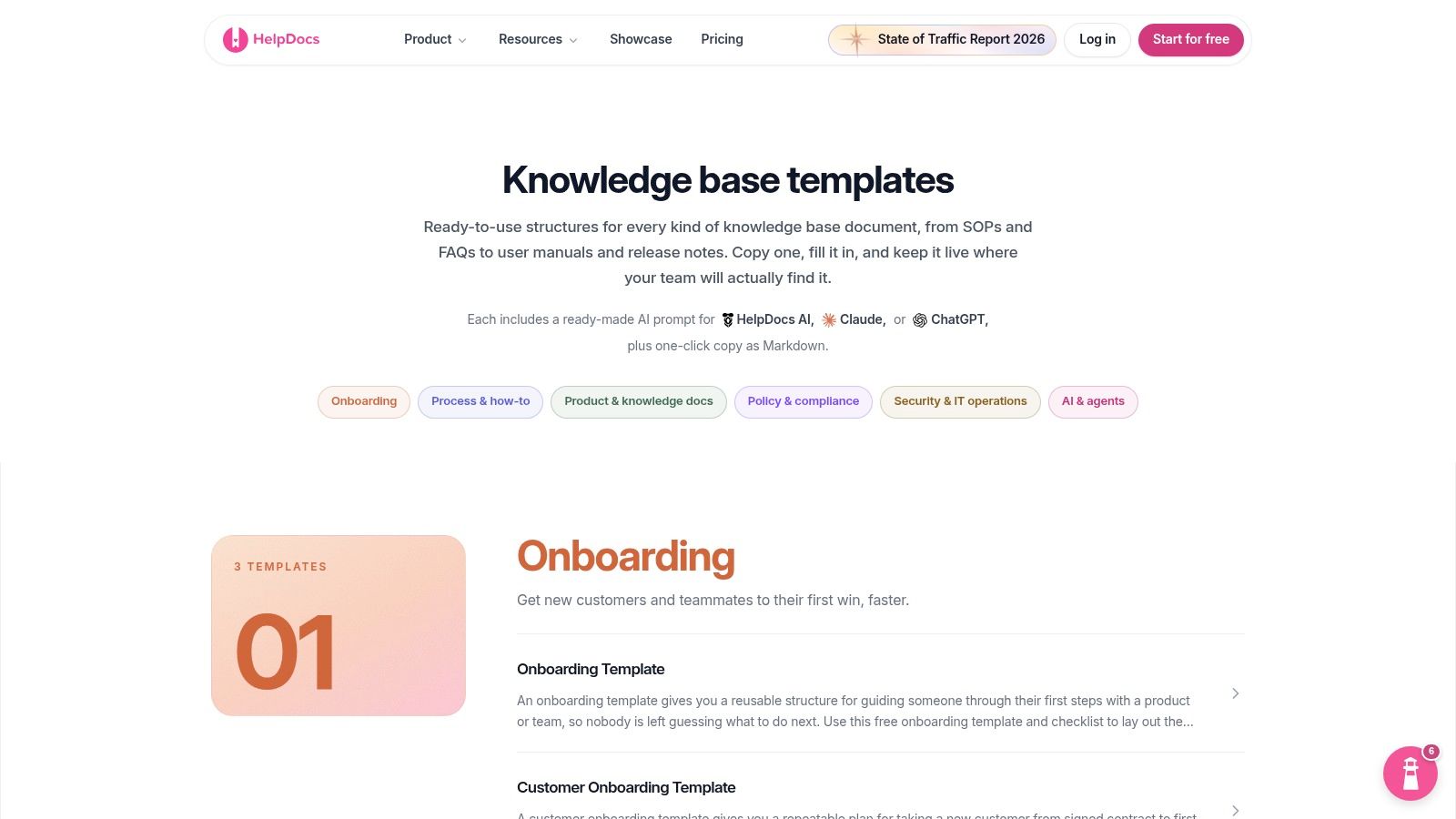
Start here if you don't yet know where your articles will live. HelpDocs templates are free, copyable Markdown outlines for planning a knowledge base and for writing individual articles, so you can test a structure before you commit to a platform.
The set covers FAQs, how-to guides, troubleshooting, user manuals, SOPs, release notes, and technical documentation. Each outline is task-oriented, which pushes writers toward the same headings in the same order instead of inventing a layout per article.
What makes it portable
- Markdown you can move: Paste the same outline into a docs tool, a wiki, or a static site without reformatting.
- AI prompts included: Prompts work with HelpDocs AI, Claude, or ChatGPT to draft against the outline.
- Internal and external use: The same structures fit customer support articles and internal procedures.
That portability has a long pedigree. Statistics Sweden formalized its SCBDOK 2.0 template in 1995 after deciding in 1994 that templates should document its registers and surveys, according to the Statistics Sweden SCBDOK report. The point then, and now, is repeatable fields that make missing context hard to hide.
The limit is governance. HelpDocs gives you structure, not a hosted help center, so you still choose publishing, search, ownership, and review dates yourself. Pair the outlines with a clear writing standard, such as the guidance on knowledge base articles, and I recommend this for small teams that need consistency this week, not a platform migration this quarter.
2. Knowledgebase.dev Compass
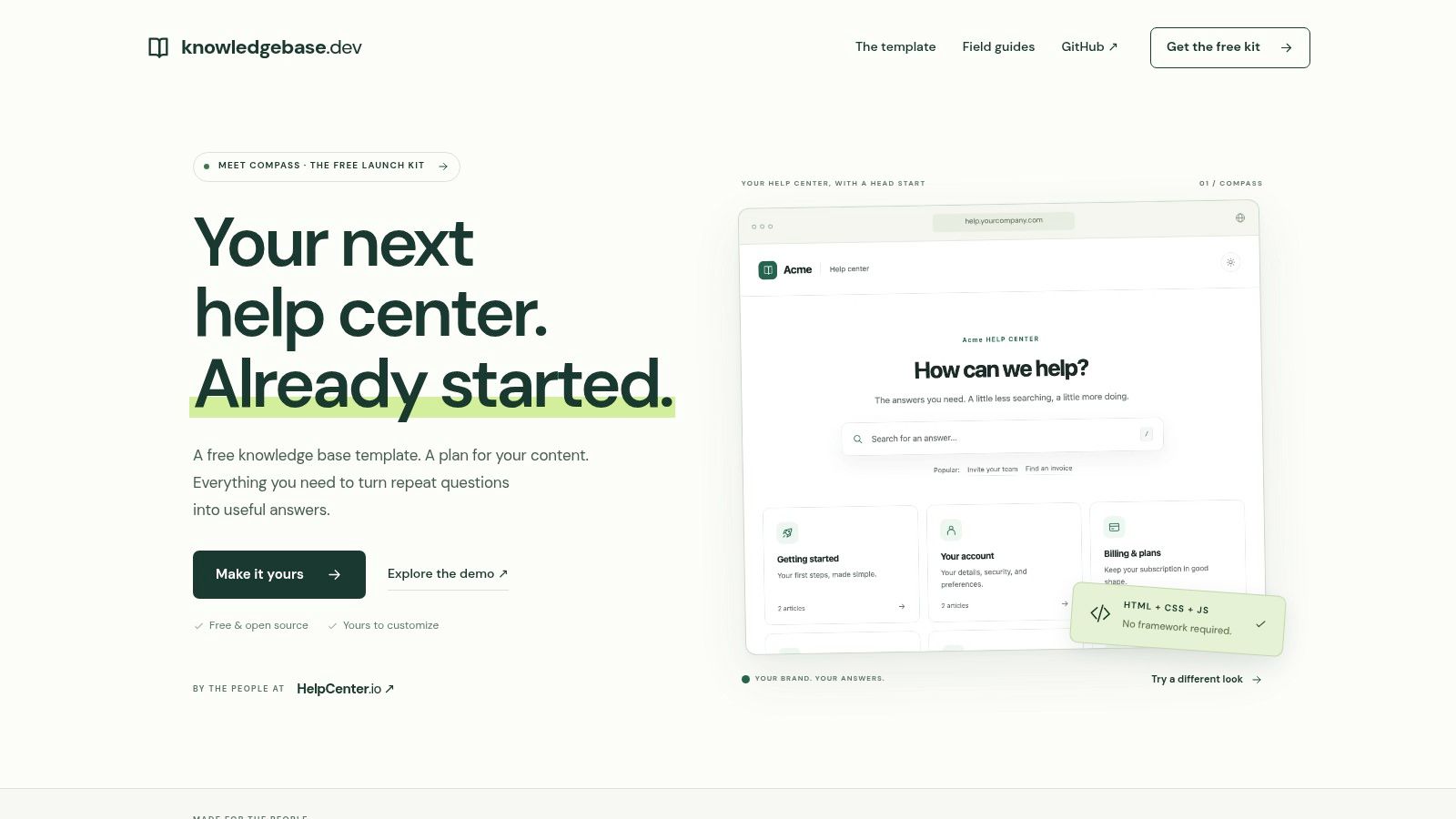
Compass suits teams that need to see a help center take shape before they write every article. Knowledgebase.dev Compass is a downloadable starter kit built in plain HTML, CSS, and JavaScript. It provides a site structure to adapt, rather than a hosted editor.
The kit includes a home page, topic pages, and example articles. That makes it easier to assess the navigation and page layout early, while changes are still manageable.
What comes in the kit
- Article blueprints: Copy formats for how-to guides, troubleshooting, and FAQs.
- Planning tools: Materials for launches, content audits, redirects, translation, and handoff.
- Plain files: Host the pages without setting up a framework.
Practical rule: If nobody on your team can edit HTML comfortably, Compass may stall when the first design change is needed.
Compass is free to download, and its planning materials are useful when preparing a migration, especially for organizing redirects and content audits. It is a standalone template, not a managed editor or publishing platform: your team handles hosting, updates, and publishing. Check the license terms on the download page before redistributing modified versions.
Choose Compass if a technical founder or a small team with developer support can maintain the files. If writers need an editor and approval workflow, a hosted platform is a better fit.
3. HubSpot Self-Service Support Templates
Some teams don't need fifty article types. They need one article, one video, and a chatbot that doesn't contradict either. The HubSpot self-service support templates pack is built for that narrower job, and it's free to download.
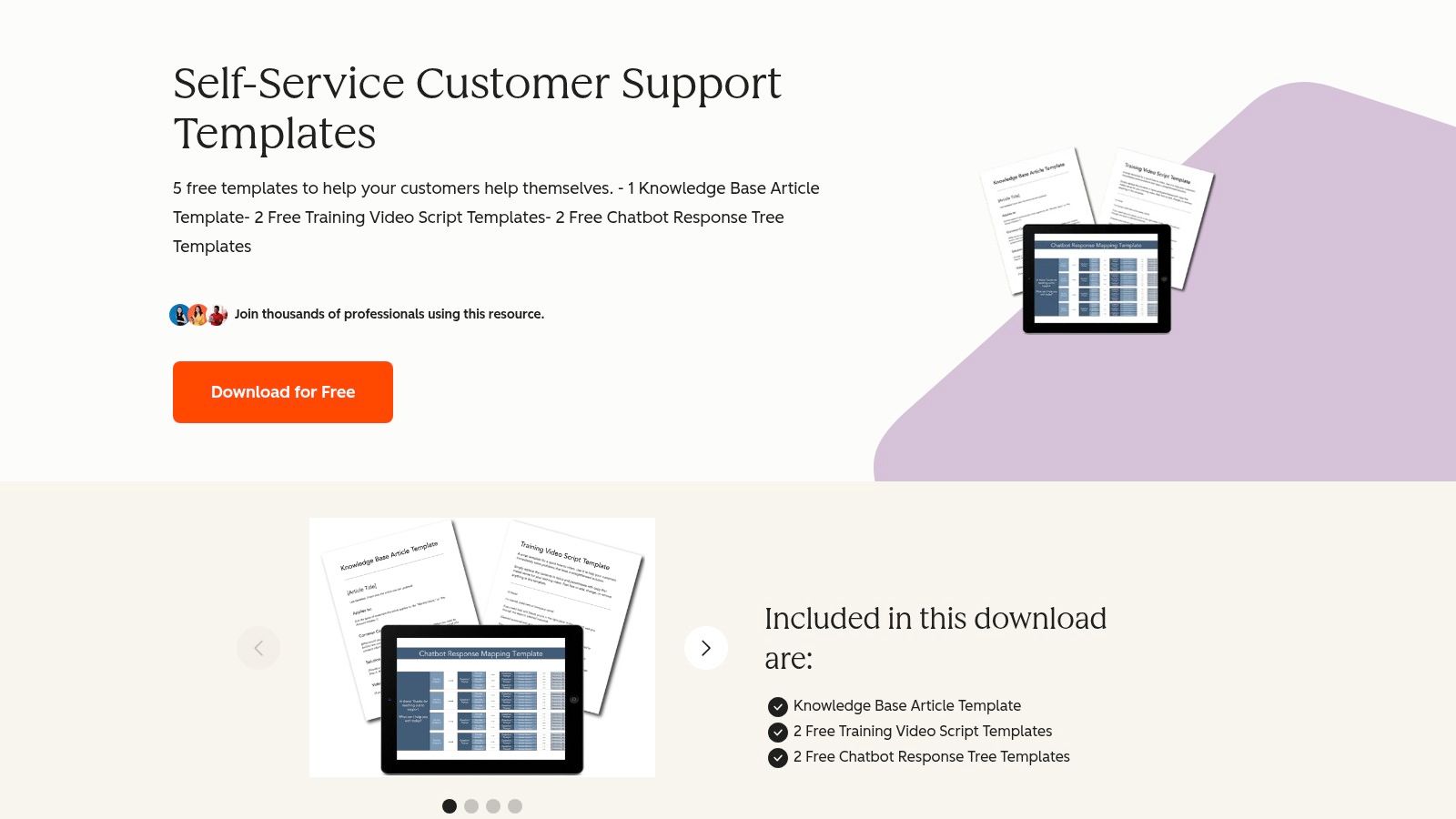
The pack contains one knowledge-base article template, two training-video scripts, and two chatbot response trees. That mix is the appeal. A password reset answer, for example, can be planned once and then expressed as an article, a short walkthrough video, and a guided chat flow that asks which step failed.
Where the pack earns its place
Used well, the response trees force you to decide your branching logic before you build anything. What does the bot say when the customer has no access to the account email? When do you stop offering self-service and hand off? Writing those branches on paper is cheaper than discovering them in live chats. Teams formalizing that FAQ layer can also use a structured template for an FAQ document to keep the article and bot answers aligned.
The trade-offs are plain. Downloading requires a form and your contact information, and this is a small starter pack, not a knowledge-base system or a large template library. It won't organize, search, version, or publish anything for you.
I recommend it for a support or CX lead who is launching self-service across formats and wants a planning scaffold, especially if video is already on your roadmap. If you only need article outlines, HelpDocs gives you more depth without the form. If you need publishing, look further down this list.
4. Notion Marketplace
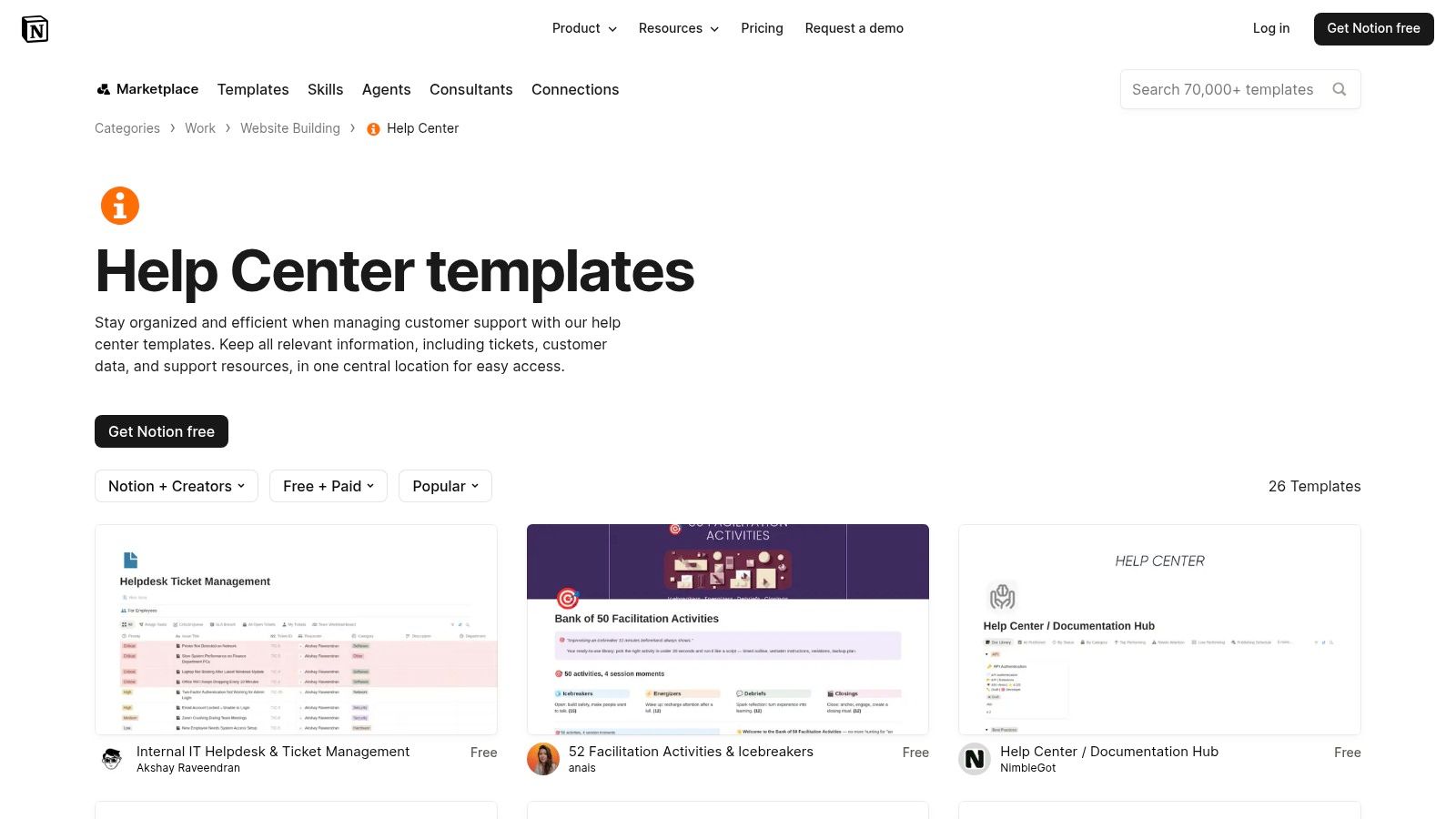
Notion is where many teams already draft, so it's tempting to make it the knowledge base too. The Notion Marketplace help-center templates include free and paid options from Notion and community creators, covering help centers, FAQs, customer-support libraries, and documentation hubs.
You copy a template into your workspace and adapt the pages and databases to how your team already works. For internal knowledge, that flexibility is useful. A support library can sit next to product specs and meeting notes, and agents don't learn a new tool to contribute a fix.
The customer-facing catch
- Quality varies: Community templates differ widely in completeness and upkeep, so audit before you build on one.
- Publishing takes work: A customer-facing help center may need extra configuration or a separate publishing layer.
- Governance is yours: You'll add owners, review dates, and status fields yourself, because most templates don't enforce them.
Structure matters more once content leaves your first language. A 2025 study built a dataset covering 10,000 leading websites across 20 non-Latin languages to evaluate multilingual representation and screen-reader performance, as described in the ACM multilingual accessibility study. In Notion, that means you should add plain-language summaries, text alternatives for screenshots, structured headings, and a terminology glossary per locale, not just translated prose.
For teams weighing internal versus published use, the patterns for a customer support knowledge base help you decide what belongs in front of customers. I recommend Notion for internal hubs and drafting. For a public help center, only choose it if you're prepared to own the publishing layer and accessibility checks yourself.
5. Atlassian Confluence
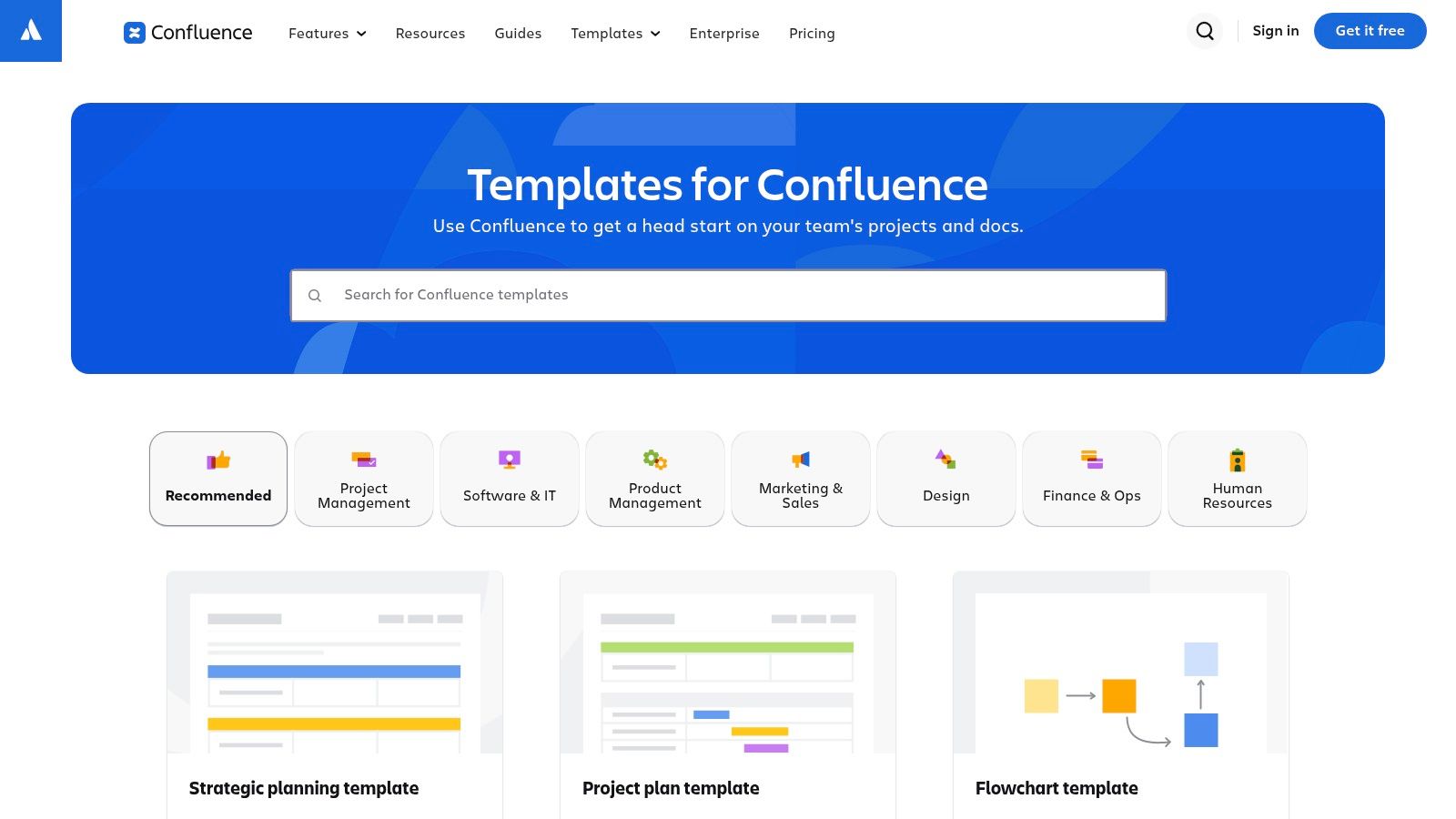
A support answer often depends on context held by engineering or product teams. Confluence keeps those teams' documentation and support material together, with a template library for documentation and team workflows and custom page templates for recurring content.
The template should make the answer usable months later, not just easy to write today. Give writers fields for a summary, prerequisites, defined terms, the step where the guidance applies, and links to exceptions. Without that structure, pages can be difficult to compare and maintain.
How to set the fields
For each support article, capture a summary, prerequisites, defined terms, where each step applies, and links to exceptions. This gives readers enough context to judge whether the instructions fit their situation.
- Knowledge-base spaces: Group articles and related material by product or team.
- Free entry point: A small team can try the template approach before committing to a broader setup.
- Collaborative editing: Engineers and support agents can update the same page rather than maintain separate copies.
Confluence is a general-purpose workspace, so publishing customer-facing documentation may require extra configuration and careful permission checks. It suits internal knowledge bases and product documentation when the teams building a feature also maintain its support guidance. For a branded public help center, check that the publishing and access controls fit the job before building around it.
6. Zendesk Knowledge
Zendesk Knowledge starts from the ticket, not the blank page. With Zendesk Knowledge, agents can create help-center articles from the support context using reusable templates with headings and suggested structure, which is exactly where recurring issues first become visible.
Say three agents answer the same billing question in one week, each slightly differently. A template started from that ticket thread gives the fourth answer a fixed shape. Short answer first, then eligibility conditions, then steps, then the point at which the customer should contact support instead of guessing.
Why the ticket connection matters
Findability is the operational reason to bother. A published synthesis reports that 70% of employees spend at least one hour finding information and 54% of businesses use more than five documentation or information-sharing tools, according to the Document360 knowledge management statistics synthesis. Keeping article creation inside the tool agents already open every day reduces one more place to search.
- Permissions and organization: Article permissions, organization, and publishing workflows are available depending on plan.
- Theme customization: Help-center theming and templating exist for teams that need deeper control.
- Searchable aliases help: Add the error messages and phrasings customers type, not just your internal feature names.
A template that lives where tickets live gets used. A template in a shared drive gets admired once and forgotten.
The constraints follow from that strength. Template setup and availability are tied to Zendesk Knowledge and your plan features, and theme customization may require technical work. I recommend Zendesk for support organizations already running Zendesk Support who want to convert recurring tickets into standardized help content. If you only want downloadable outlines, it's more platform than you need.
7. Document360
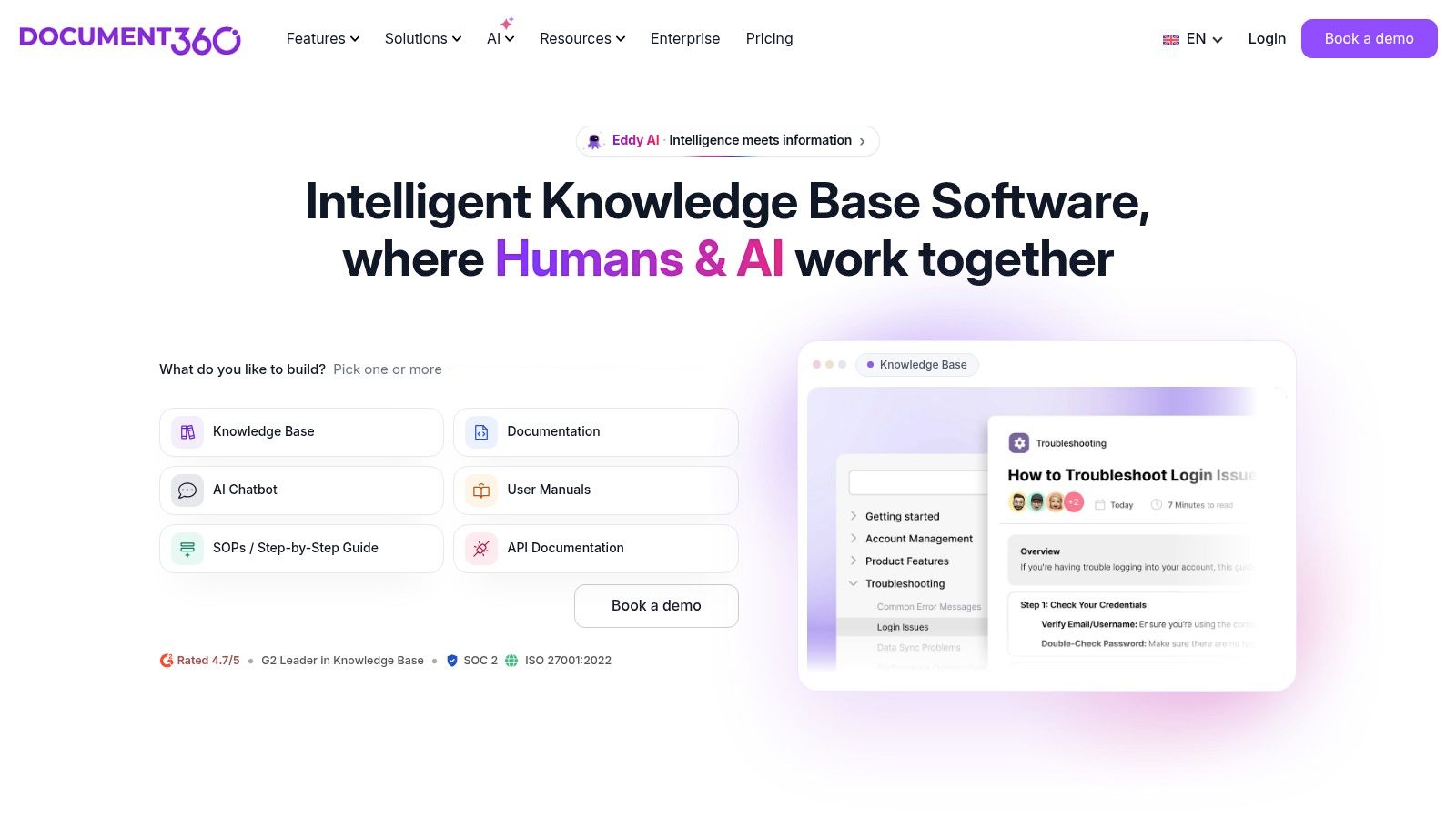
Document360 is a dedicated documentation platform, so templates are one part of a larger authoring and publishing workflow. On Document360, you can build reusable article templates from scratch, from an existing article, or by cloning a system template, then define consistent headings, sections, and placeholder content.
Cloning from a proven article is the feature I'd use first. Take the troubleshooting guide your agents already link to because it works, strip the specifics, and keep the skeleton. That beats designing an ideal template in a workshop that nobody recognizes when they're writing under time pressure.
Built for governed publishing
- Access control: Supports public, private, or mixed-access knowledge bases, so internal notes and customer answers can share one system with different visibility.
- Structured metadata: Add product area, audience, version, locale, owner, effective date, and review date as fields, not as lines writers remember sometimes.
- Lifecycle states: Use draft, approved, deprecated, and superseded so old answers stop surfacing as current.
That structure fits where the market is going. Cloud deployment represented approximately 61% to 65.5% of knowledge-management software revenue in recent estimates, per the Fortune Business Insights knowledge management software report. Stable section boundaries also help retrieval systems, because each chunk keeps its heading and conditions instead of arriving as a fragment.
The cost is commitment. You're adopting a platform, capabilities depend on plan, and a small team with a handful of articles may not need this much machinery. I recommend Document360 for documentation managers running a real publishing operation who need consistency enforced by the tool, not by reminders.
8. Help Scout
Help Scout pairs writing guidance with a hosted home for the result. Help Scout's knowledge base offers reusable outlines for informational articles, how-tos, FAQs, and standard operating procedures, while its Docs product publishes that content as a searchable knowledge base.
That combination closes the loop the portable options leave open. You write against a known structure, publish it with branding and search, then use reporting to see which searches returned nothing. Those failed searches are your next article list, written in your customers' own words.
What Docs adds beyond outlines
Docs supports both customer-facing and internal knowledge, so an agent-only procedure and the public version of the same answer can live in one place with different visibility. Docs content can also serve as a source for Help Scout's AI support features, which raises the stakes on accuracy. An AI answer built on a stale article doesn't just sit there being wrong, it gets repeated confidently at scale.
- Branding and search included: You don't assemble a separate site to make articles findable.
- Reporting on gaps: Search and reporting features help identify documentation gaps.
- One platform to learn: Writers, agents, and customers work from the same published source.
Be clear about what you're buying, though. The article templates are guidance and structures, not a standalone template marketplace, and hosted Docs is most useful if you also want Help Scout's wider support platform. Check current pricing and feature availability directly before you commit.
I recommend Help Scout for a growing support team that wants to move from reusable outlines to a published, searchable knowledge base without stitching tools together. If your help desk already lives elsewhere and works, take the outlines and leave the platform.
How the knowledge base templates compare on scope, publishing, and access
| Item | Template Scope | Publishing Included | Access | Best For |
|---|---|---|---|---|
| HelpDocs | Knowledge-base planning and article outlines for support and internal docs | No; reusable templates only | Free, copyable Markdown | Teams seeking portable, consistent article structures |
| Knowledgebase.dev Compass | Help-center site starter kit, article blueprints, and planning tools | Site template included; teams host and maintain it | Free, open-source download | Teams comfortable customizing and hosting a help center |
| HubSpot Self-Service Support Templates | One article template, video scripts, and chatbot response trees | No; downloadable resources only | Free download via form | Teams planning self-service content across formats |
| Notion Marketplace | Help-center, FAQ, support-library, and knowledge-hub templates | Notion workspace included; public publishing may need extra setup | Free and paid templates | Teams adapting collaborative Notion pages and databases |
| Atlassian Confluence | Documentation, knowledge-base, and team-workflow templates | Collaborative workspace included; public access may need configuration | Free plan for up to 10 users; other capabilities vary by plan | Teams keeping internal knowledge alongside project documentation |
| Zendesk Knowledge | Reusable support-article structures and templates | Yes; publishing workflows depend on plan | Tied to Zendesk Knowledge and plan features | Zendesk support teams turning recurring issues into help content |
| Document360 | System and custom templates for structured knowledge-base articles | Yes; platform includes authoring and publishing | Dedicated platform; capabilities vary by plan | Teams needing an end-to-end documentation workflow |
| Help Scout | Outlines for articles, how-tos, FAQs, and SOPs | Yes; hosted Docs knowledge base | Help Scout product; check current pricing and availability | Teams wanting writing guidance and a searchable knowledge base |
Start With One Template, Then Test It Against Real Questions
Choose the lightest option that matches your publishing needs. If you already have a site, a portable outline from HelpDocs or HubSpot is enough. If you need a help center fast and you have technical help, start with Compass. If articles must be governed inside the workflow where tickets are answered, pick the template system inside Zendesk, Document360, Confluence, or Help Scout and stop maintaining outlines in a separate drive.
Whatever you pick, add the governance fields most knowledge base templates omit. Every article needs a named owner, source of truth, effective date, review trigger, product-version scope, and escalation criteria. Without those fields, a polished template just makes outdated instructions easier to retrieve, and that's worse than an ugly article nobody finds.
That risk is not hypothetical. A 2025 survey of 316 knowledge-management professionals found substantial concerns about the accuracy and viability of AI output and stressed the need for a trusted knowledge foundation with human experts in the loop, as reported in the KMWorld State of AI 2025 survey summary. So don't review everything on a fixed calendar. Review by risk, starting with frequently retrieved articles, articles tied to changed features, and articles linked to escalations or contradictory tickets.
Then test before you publish. Draft a few articles from your chosen template and run them against supported, unsupported, and ambiguous questions. A supported question should resolve from the article alone. An unsupported one should trigger a clean handoff, not an invented answer. An ambiguous one should expose where your scope conditions are missing, and that is the field you fix next.
Measure outcomes that connect the template to support results. Track time to first relevant result, resolution without escalation, how often answers cite an approved source, your stale-content rate, and the share of queries that map to an approved article. Page views tell you an article was opened. Those five measures tell you whether it worked.
If you'd rather skip the manual setup, we built AgentStack to ingest your existing site, PDFs, and Notion pages directly, with nothing to prepare first. Our analytics list every unanswered question so you can close knowledge gaps, and a live walkthrough with a solutions engineer can show an agent answering from your own docs, with no credit card or commitment. Start with one template, test it, and let the failed questions tell you what to write next.
You've picked a template, now put those articles to work instead of leaving customers to search for them. AgentStack ingests your website, PDFs, and Notion pages, answers from that approved content across web, email, Slack, and voice, and lists every unanswered question so your next template draft targets a real gap. Visit AgentStack to build your first agent on your own docs and test it against the questions your team answered this morning.