You've added the launcher, picked a brand color, and watched the first conversations roll in. Then someone asks the harder question in standup. Is it resolving anything, or is it just a nicer way to create tickets faster? That question is where most deployments stall, because a live chat widget for website support is easy to install and surprisingly easy to measure badly. Treat it as an experiment from day one, with a clear primary outcome, a staffed handoff path, and latency tracked separately from resolution, and it becomes one of the few support changes you can prove.
Table of Contents
- Why a Live Chat Widget Changes the Buying Moment
- Choosing the Right Widget for Your Stack and Team
- Installing the Widget With a Single Script Tag
- Wiring Automated Replies Into a Shared Inbox
- Accessibility Tests Most Teams Skip Until a User Complains
- Metrics That Distinguish a Working Chat From a Vanity Button
- Rollout Checklist and Common Failure Modes to Avoid
Why a Live Chat Widget Changes the Buying Moment
A visitor lands on your pricing page, scrolls to the tier comparison, then stops. She isn't looking for a sales call. She wants one answer, whether your product handles her team's SSO setup, before she decides whether to keep reading or open a competitor's tab.
That pause is the whole case for chat. Email asks her to leave the page and wait. A help center asks her to guess the right search terms. A widget meets her inside the decision, on the exact page where the doubt formed.
Speed Is the Feature, Not the Button
The speed gap is not subtle. Gorgias's roundup of live chat benchmarks places median first-response time for live chat at under 2 minutes, compared with 1 to 5 hours for social media and more than 12 hours for email. Other published benchmarks in that same summary put average first response at 35 seconds, with an average satisfaction score of 64.2% across rated chats.
Those numbers cut both ways. A visible launcher creates an expectation of a near-immediate reply. If nobody answers for eight minutes, you've done worse than offering no chat at all, because you've confirmed the visitor's fear that support will be slow after she pays.
A chat button without staffing behind it doesn't signal responsiveness. It signals the opposite, at the exact moment a buyer is deciding whether to trust you.
What a Good Answer Does Commercially
The commercial pattern is consistent enough to take seriously, with a caveat. GetStream's summary of live chat statistics cites a Forrester benchmark finding visitors who use chat are 2.8 times more likely to convert than those who don't, alongside separate summaries reporting conversion lifts of approximately 12% and 20%.
Don't read that as the widget causing every purchase. People who open chat often already have stronger intent. What chat does is remove the specific objection, about pricing, compatibility, delivery, or security, that's blocking someone who's already leaning toward buying.
That's why placement follows friction. Pricing pages, checkout, product comparisons, and onboarding flows are where a fast, accurate answer changes an outcome. A launcher buried on a contact page captures almost none of that value.
If you're weighing how much of that first reply should be automated, Helbling Digital Media's customer service chatbot breakdown is a useful primer on where bots help and where they frustrate. The practical takeaway for your own rollout is simpler. Decide before launch whether success means first-contact resolution, qualified leads, or fewer tickets, because you'll configure the widget differently for each.
Choosing the Right Widget for Your Stack and Team
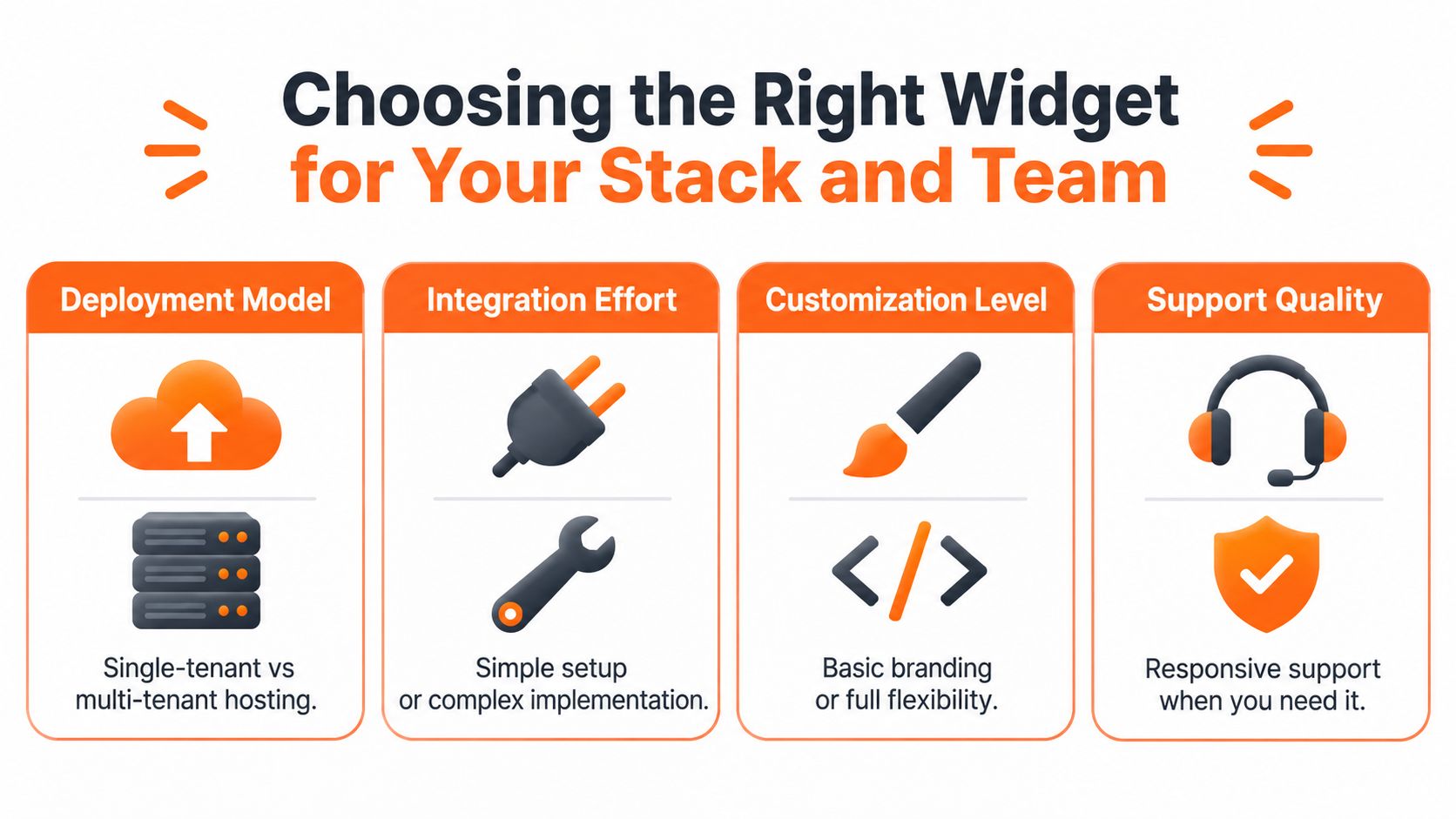
Vendor comparison pages will bury you in feature matrices. Four filters narrow the field, and you can run them in an afternoon.
Deployment Model and Customization Ceiling
A single script tag embed gets you live today on almost any stack, from a static site to Shopify to WordPress. A custom SDK build gives you control over the UI, state, and data flow, but it also gives you a frontend surface to maintain, test, and keep accessible forever. Start hosted and only build when the widget needs to behave like a native part of the product, not a layer on top of it.
Customization works the same way. Theming controls, colors, position, greeting copy, launcher shape, cover the needs of nearly every marketing site. Full UI control matters when you're embedding inside an app with its own design system. Paying for that flexibility before you need it usually means paying in engineering time later.
Automation Depth Is an Operating Decision
Human-only chat is fine at low volume during business hours and falls apart at night, on weekends, and during launch spikes. AI-first chat answers instantly around the clock but needs grounded knowledge and a real escalation path, or it will confidently answer questions it shouldn't. Hybrid setups, automated first response with human takeover, are where most SaaS and e-commerce teams land, because they match how demand arrives.
- Small store, low volume: A hosted human-first tool like Tidio or Olark, with canned responses, is usually enough.
- SaaS team with docs and a help center: Prioritize knowledge ingestion and handoff quality over launcher animations.
- Team already in a CRM: A native option like HubSpot Live Chat can beat a better standalone widget if it keeps conversation history where your team already works.
Backend Connectivity Decides Long-Term Pain
Check where transcripts, contact records, and outcomes end up. A native shared inbox is simplest. Connector glue through tools like Zapier works until volume exposes its delays and failure modes. An open API matters once you want chat events in your warehouse or product analytics, which you'll want sooner than you think.
AgentStack sits in the hosted, AI-first category, ingesting websites and documents and deploying through an embeddable widget with a shared inbox for handoff. Intercom, LiveChat, Zendesk, and Freshchat cover similar ground with different trade-offs in pricing model and ecosystem depth. Open-source options pay back when you have engineering capacity and data-residency reasons to self-host, not before.
Decision heuristic: Pick the widget your team can staff, instrument, and escalate from on day one. You can migrate launchers in an afternoon. Rebuilding broken routing and lost transcripts takes a quarter.
Installing the Widget With a Single Script Tag
Installation is the easy part, which is exactly why teams rush it and create problems they debug for weeks. Slow down on placement and loading behavior.
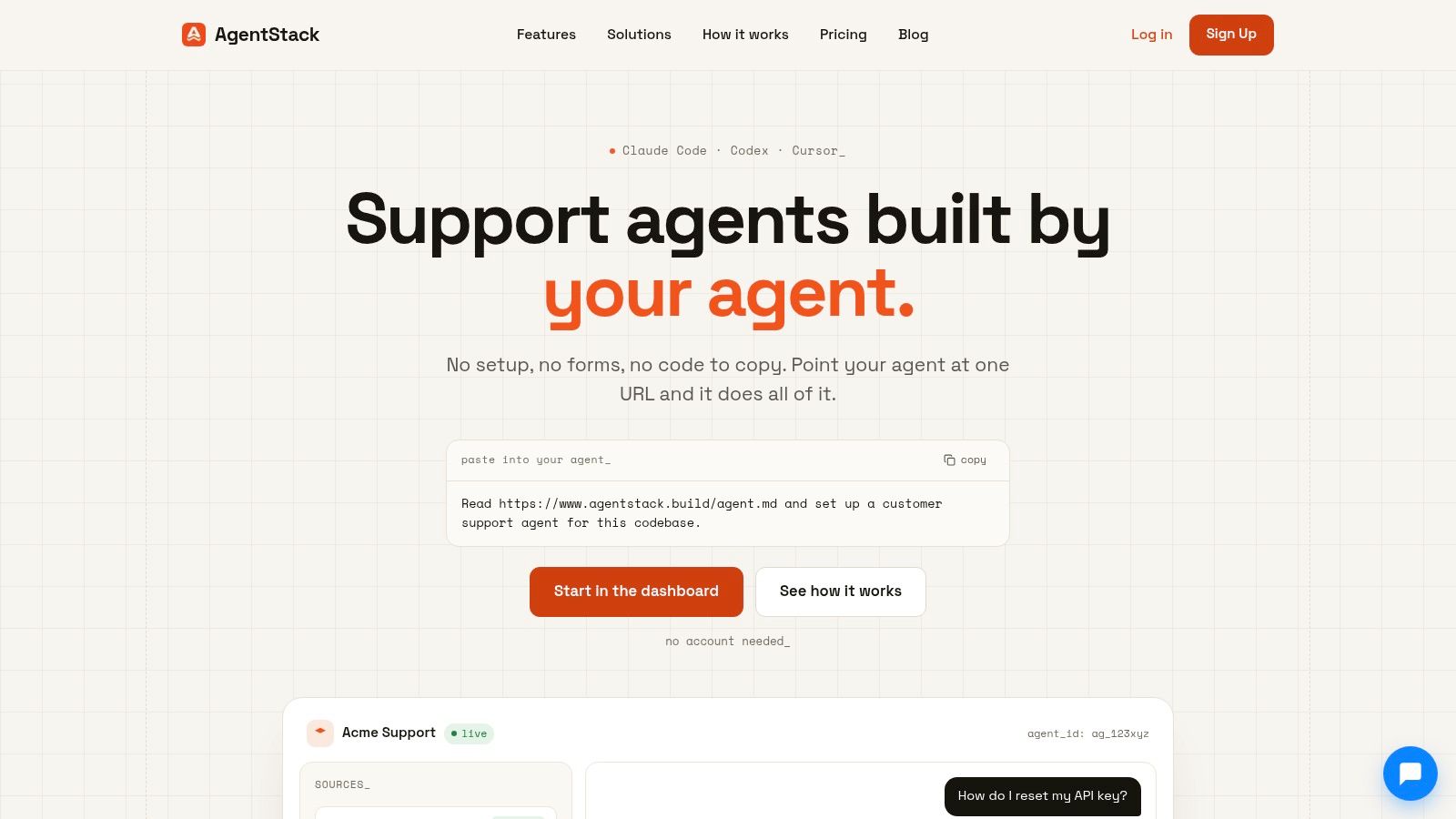
Here's the dashboard view you'll be working from once the widget is configured.
The Basic Deployment Sequence
- Create the widget in your provider dashboard and copy the generated snippet.
- Paste it before the closing body tag on a staging URL first, never straight to production.
- Set domain restrictions so the widget only loads on approved hostnames.
- Configure the launcher with brand color, position, and a greeting that says what the channel is for.
- Verify on staging across desktop and a real mobile device before promoting the change.
Load the script with async or defer so it never blocks your page rendering. A support tool that slows your pricing page is trading conversions for conversations. Then decide between global placement and per-page rules. Global is simpler, but suppress the widget on checkout payment steps, account recovery, and other sensitive flows where a proactive pop-up adds anxiety or captures data it shouldn't.
This walkthrough shows the embed flow end to end.
Framework Specifics That Trip Teams Up
In WordPress, add the snippet through your theme's footer hook or a header and footer plugin rather than editing template files you'll overwrite on update. In Shopify, the theme layout file is the reliable spot. Static sites just take the tag directly.
Single-page apps need more care. In a Next.js app router setup, load the script in your root layout using the framework's script component with a lazy loading strategy, and confirm the widget survives client-side navigation without duplicating itself. If your app uses shadow DOM boundaries, test whether the launcher renders outside them or gets clipped. The step-by-step reference in the embed widget developer documentation covers the configuration options worth checking before you ship.
Write a sane welcome message before tuning anything else. Something like "Questions about plans or setup? We reply in a few minutes during business hours" sets an honest expectation. Vague cheerfulness ("Hi there! How can we help?") tells the visitor nothing about whether a human, a bot, or nobody is on the other end.
Wiring Automated Replies Into a Shared Inbox
Launch day is where most guides stop. It's where your actual work starts, because a widget without routing, grounded knowledge, and a handoff path is just a faster way to disappoint people.
Follow one question through the stack. A visitor asks about data retention on your security page. Retrieval pulls from your crawled help center, synced Notion docs, and uploaded PDFs. The routed model drafts an answer from those sources. The full transcript lands in a shared inbox whether or not a human ever joins, so your team can audit what was said.
Which Knowledge to Ingest First
Start narrow and high-quality. Ingest your help center, pricing and plans page, onboarding guides, and the internal doc your agents copy answers from. Skip the blog archive and outdated PDFs. Every stale source you add is a wrong answer waiting for the wrong moment.
- Crawled pages: Your public docs and help center, refreshed on a schedule.
- Synced internal docs: Notion pages and policy documents agents already trust.
- Curated Q&A pairs: Short, exact answers for your highest-volume questions.
The design questions here overlap with in-product guidance more than traditional ticketing, and Figr's writing on AI assistants for in-product UX is worth reading for how placement and timing shape whether users trust the assistant at all.
Designing the Handoff Boundary
Preference data on automation versus humans looks contradictory until you read it by context. The Desk's report on a 2025 CSG survey of more than 1,000 communications-service customers found 85% preferred AI chatbots over live agents for service questions, while another 2025 survey found 93% of US consumers preferred human agents and 55% frequently needed to escalate from AI to a person.
Both can be true. Routine, low-stakes questions suit automation. Billing disputes, cancellations, outages, and emotionally charged cases need a person who owns the outcome. So define escalation triggers explicitly: low retrieval confidence, negative sentiment, repeated rephrasing, sensitive topics, or the visitor asking for a human. Disclose when AI is responding, keep the human option visible, and never make someone argue with a bot to reach your team.
When handoff happens, the transcript, page context, collected details, and escalation reason must travel with it. An agent who opens with "How can I help?" after the visitor explained everything twice has already lost. The configuration details live in the shared inbox setup guide, and the table below maps what to capture at each step.
| Event captured | Dashboard metric | Why it matters |
|---|---|---|
| Widget open | Engagement rate by page | Shows whether placement matches visitor intent |
| First automated reply | First-response time | Separates speed from actual problem solving |
| Human handoff | Transfer rate and reason | Reveals where automation confidence breaks down |
| Resolution confirmed | Resolution rate | Prevents bot acknowledgments counting as solved |
| CSAT submitted | Satisfaction by handling type | Compares automated and human outcomes honestly |
Accessibility Tests Most Teams Skip Until a User Complains
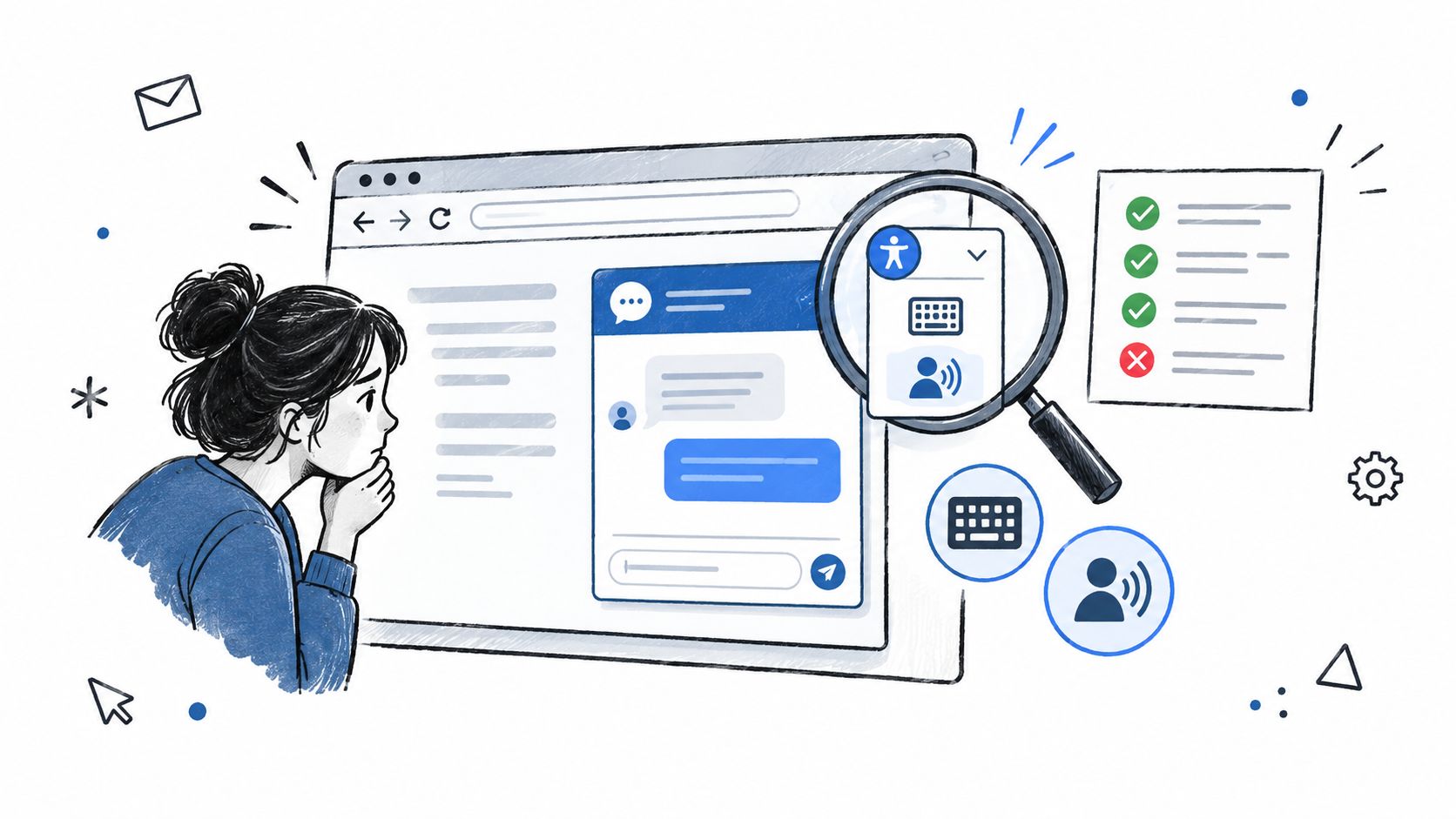
Adding chat is not automatically an accessibility improvement. If a keyboard-only user can't open your launcher, or a screen reader never announces the reply, you've made your primary support channel unusable for those visitors while telling yourself you improved support coverage.
Most widget guidance covers installation, branding, and conversion, then stops. The behavior that matters, focus management, keyboard traps, dynamically announced messages, accessible names, contrast, and timeout handling, rarely gets tested together. The WCAG 2.2 specification requires accessible operation of web functionality, but a vendor's compliance badge tells you nothing about how their embedded script behaves inside your page, with your theme, after your customization.
A Vendor-Neutral Acceptance Test
You can run this in a browser in under an hour, before launch and after every widget or theme change.
- Launch with keyboard only: Tab to the launcher, open it, and confirm focus moves into the panel logically.
- Move through every control: Check there's no keyboard trap and that closing the panel returns focus where it started.
- Send a message with a screen reader on: The response should be announced without stealing focus from the input.
- Inspect contrast and target size: Check the launcher and text against your actual page backgrounds, not the vendor demo.
- Test zoom and mobile layouts: Confirm the panel stays usable and doesn't cover the content someone is asking about.
- Find the human path: A visible route to a person is an accessibility feature, not just a courtesy.
Make It a Recurring Check, Not an Audit Artifact
Save this test alongside your widget configuration, with an owner and a cadence. Accessibility regressions usually arrive through a theme update, a new launcher color, or a vendor release you didn't notice. Treating the test as routine QA catches them when they're cheap to fix, rather than when a customer files the complaint that tells you your support channel excluded them.
Metrics That Distinguish a Working Chat From a Vanity Button
Conversation volume is the metric vendors put on the dashboard home screen, and it's nearly useless alone. Rising volume can mean your widget is helpful. It can also mean your pricing page got more confusing.
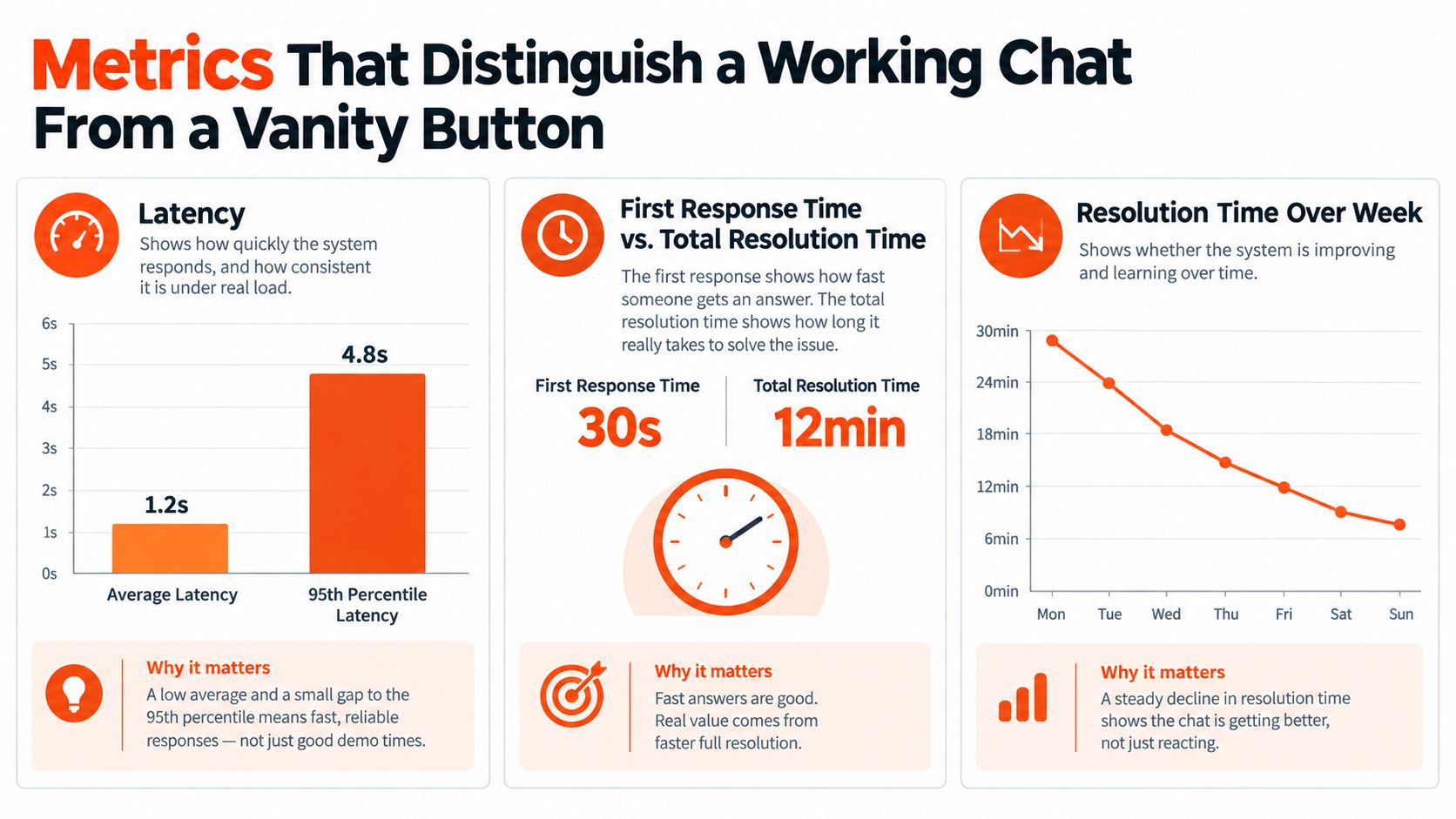
Separate Speed From Resolution
Instrument these as distinct events from the start: widget open, conversation start, queue entry, first response, resolution, escalation, abandonment, and CSAT. Then set a response-time target you can defend. Comm100's live chat benchmark report found 81.37% of customers waited under 30 seconds, with overall CSAT of 79.9%. An initial target of under 30 seconds for first response is a reasonable starting SLO, treated as a benchmark rather than a guarantee.
Report latency in percentiles, p50, p90, and p95, never averages alone. A healthy average can hide a miserable tail where one in ten visitors waits several minutes, and those visitors write your reviews. This percentile discipline is borrowed from performance monitoring, and GoReplay on monitoring user experience makes the broader case for measuring what real users experience instead of synthetic best cases.
The Cuts That Reveal Problems
Segment everything by device, country, page type, business hours, and human versus automated handling. For outcome baselines, Zoom's customer service benchmarking summary cites a North American benchmark across 23,000 businesses reporting 70.2% first-contact resolution, 13.1% chat abandonment, 58 seconds to first response, and 92% CSAT, useful reference points rather than promises for your traffic.
Three instrumentation pitfalls cause most false confidence. Counting a bot's acknowledgment as a resolution inflates your success rate. Hiding queue time inside total resolution time makes staffing gaps invisible. Firing proactive invitations your team can't staff manufactures abandonment. The broader metric definitions in this overview of contact center metrics help align chat reporting with the rest of your support operation. Also track handoff success, post-handoff repeat contacts, and unanswered-question rate, because those tell you whether automation resolved the problem or merely ended the conversation.
Rollout Checklist and Common Failure Modes to Avoid
Hand this sequence to whoever's implementing, in this order. Each step has a failure mode attached, and skipping ahead is how teams end up debugging in production.
- Define one primary outcome: Resolution, lead capture, purchase completion, or fewer tickets. Not all four.
- Choose the provider and install on staging: Verify loading behavior and mobile rendering before anyone sees it.
- Brand the launcher and write the greeting: State response expectations clearly.
- Connect knowledge sources narrowly: Help center and trusted internal docs first, everything else later.
- Configure handoff rules: Set triggers for confidence, sentiment, sensitive topics, and explicit requests for a human.
- Instrument every event: Open, first reply, handoff, resolution, abandonment, CSAT, each logged separately.
- Run the accessibility acceptance test: Keyboard, screen reader, contrast, zoom, mobile.
- Set percentile targets: First response and resolution as separate SLOs.
- Launch to a subset of traffic: One high-friction page, such as pricing, before going sitewide.
- Review cohorts weekly: Compare exposed versus unexposed visitors on your primary outcome.
Failure Modes Worth Naming in the Kickoff
Proactive prompts outrun staffing when marketing wants aggressive invitations and support gets the queue. Unredacted personal data in transcripts happens when nobody owns retention and redaction rules. Lost context at handoff forces customers to repeat themselves and torpedoes CSAT. Bot containment counted as resolution makes every dashboard green while repeat contacts climb. Accessibility regressions slip in through theme and vendor updates nobody retested.
Four questions always follow. Migrating from an existing widget? Export transcripts and contact mappings before you cancel anything. Disclose AI involvement? Yes, plainly, in the greeting. Pricing tiers? Model cost per resolved conversation, not per seat or per message. When do you retire a widget? When a fair cohort test shows no movement on your primary outcome after you've fixed staffing, placement, and knowledge quality. At that point the button is decoration, and decoration that interrupts people is worse than nothing.
If you're ready to run your website chat as an experiment instead of a decoration, AgentStack gives you a one-tag widget grounded in your own docs, a shared inbox with human handoff, and analytics that separate first response from real resolution. Start on your highest-friction page, measure the first cohort, and expand only when the numbers earn it.