The popular advice is to improve the prompt, choose a stronger model, and then put the agent in front of customers. That sequence is incomplete. In production support, the model is only one component inside a larger system of identity, data access, tools, routing, escalation, and measurement. A brilliant answer still creates operational risk if the agent can't verify its source, use the right system, or hand a case to a human without losing context.
The market is already moving beyond isolated experiments. A 2026 enterprise AI survey found that the share of respondents scaling AI agents in at least one function rose from 27% to 40% in a single year. The same report found enterprise-wide AI scaling at 44%, up from 38%, reaching 54% among organizations with at least $1 billion in annual revenue. Deployment is becoming operational, but maturity remains uneven.
The practical lesson from migrating legacy chatbots to multi-agent support is straightforward: AI agent deployment is an infrastructure project disguised as a conversational project. Teams that prepare the plumbing, define boundaries, and instrument the control plane will outperform teams that merely swap in a newer model.
Table of Contents
- The Reality of AI Agent Deployment in 2026
- Architecting the Agent Foundation
- Omnichannel Delivery and Workflow Integration
- Security Governance and Identity Management
- Monitoring Orchestration and Agent Health
- Navigating Common Deployment Pitfalls
- The Production Readiness Checklist
The Reality of AI Agent Deployment in 2026
A better reasoning model can improve an answer. It can't repair fragmented documentation, missing permissions, broken APIs, or an escalation process that leaves customers repeating their issue. Those failures sit outside the prompt, so improving the prompt won't solve them.
Adoption data supports this shift. A separate 2026 survey on AI agents reported that 54% of organizations are actively deploying AI agents, compared with 12% in 2024, when most activity remained in pilots. The survey also found that 73% of organizations using agents automate workflows across multiple functions, while 53% route information and decisions between teams. Those are integration problems as much as model problems.
The production gap
A pilot usually has controlled inputs, a narrow knowledge source, and a forgiving reviewer. Production has stale documents, ambiguous requests, permission boundaries, regional policies, tool failures, and customers who change channels halfway through a case. The transition exposes every dependency that the pilot was allowed to ignore.
Support leaders should therefore ask different questions:
- What data can the agent trust? A retrieval system needs ownership, freshness rules, source hierarchy, and a process for removing obsolete content.
- What may the agent do? Reading a return policy is different from issuing a refund, changing an account, or sending an external message.
- What happens when a tool fails? The agent needs a bounded retry, a visible failure state, and a human route, not an endless loop.
- Can the team explain every action? A production system needs records of tool calls, decisions, permissions, and handoffs.
The adoption pattern also shows a size effect. The Deloitte survey reported that scaling among smaller organizations remained flat at 22%, while larger organizations were more likely to move from pilots into enterprise production. That difference doesn't mean smaller companies can't deploy successfully. It means they need a narrower scope, fewer integrations, and stronger operational discipline because they have less room for duplicated tooling and unmanaged complexity.
Practical rule: Treat the model as a replaceable component. Treat access, data, workflow state, and observability as the product.
Architecting the Agent Foundation
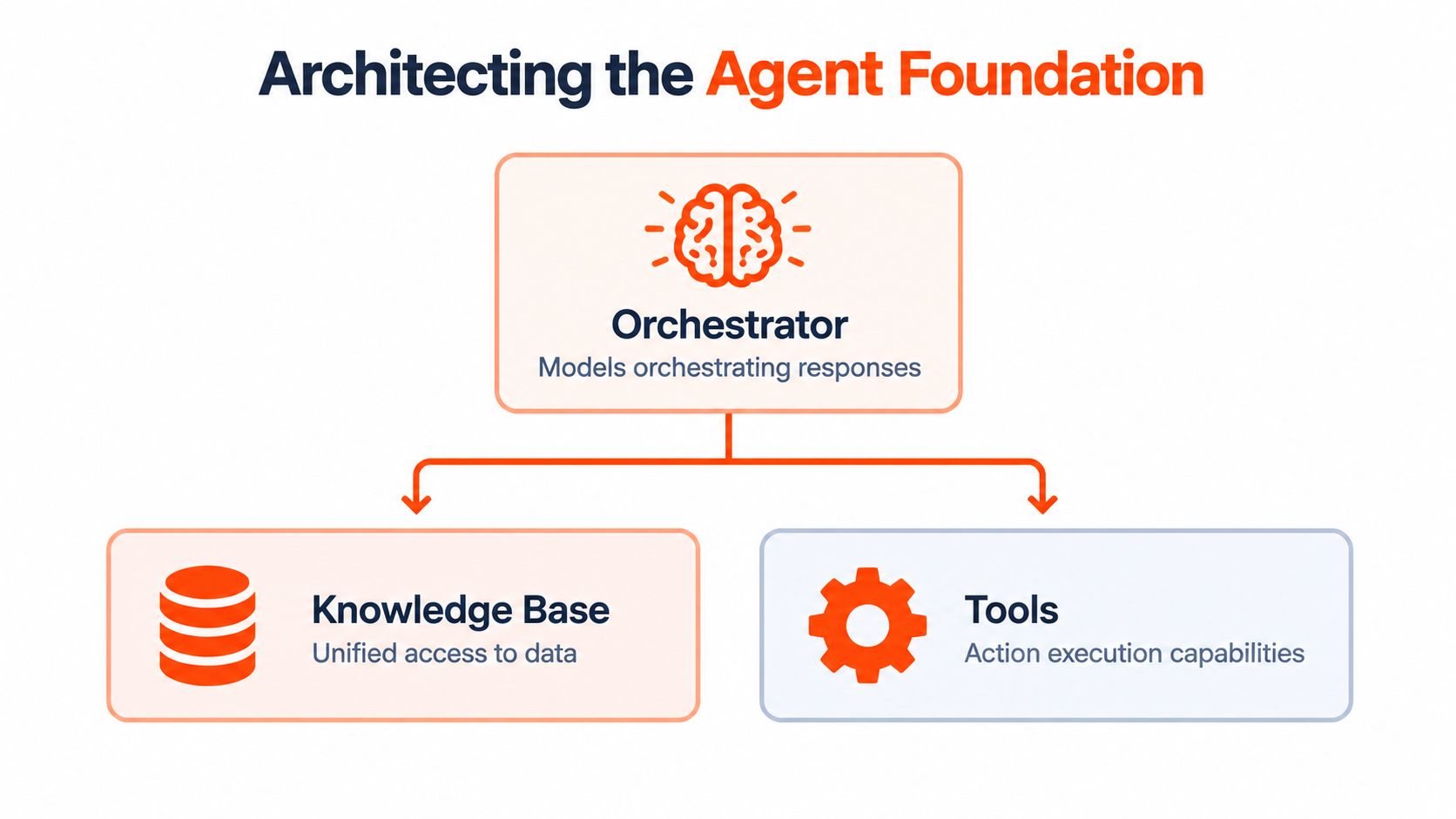
A reliable foundation starts with two connected systems: a unified knowledge layer and an orchestration layer. The knowledge layer gives agents consistent evidence. The orchestration layer decides which model, tool, or escalation path should handle the request.
Build one governed knowledge layer
Start by inventorying every source that support staff already use. That may include a public website, PDFs, Word files, slide decks, spreadsheets, images, Notion pages, product release notes, and manually maintained Q&A pairs. Ingestion should preserve source metadata, ownership, effective dates, permissions, and document relationships rather than treating every paragraph as anonymous text.
A practical pipeline looks like this:
- Collect and normalize sources. Crawl approved website areas, sync workspaces, parse office files, and extract text from images where appropriate.
- Chunk for retrieval. Split content around meaningful concepts, preserve headings and table context, and avoid fragments that lose conditions or exceptions.
- Attach governance metadata. Record the source, owner, revision state, audience, and access policy for each indexed segment.
- Test retrieval independently. Before judging the model, check whether the correct passage appears for representative support questions.
- Create a refresh process. A knowledge base isn't finished at launch. Assign owners for updates, removals, and conflict resolution.
Teams evaluating a wider production-ready AI agent integration should pay particular attention to how ingestion, tool access, and deployment controls fit together. A polished chat interface can't compensate for a retrieval index that mixes current pricing with retired policies.
Route by task, risk, and latency
A single frontier model is a simple starting point, but it can be an expensive and slow operating model for routine work. Model-agnostic routing lets the system use a fast model for a clearly bounded FAQ, while sending a complex account explanation, policy conflict, or multi-step investigation to a stronger reasoning model.
The router shouldn't classify only by topic. It should consider risk, ambiguity, required tools, customer impact, and confidence. A short question about changing billing details may require stricter controls than a long product explanation. Likewise, a routine answer that lacks a trusted source should escalate rather than receive a confident guess.
The routing decision should be observable. Log the selected model, reason for routing, retrieved sources, tools invoked, latency, cost, and final disposition. That record lets engineers determine whether a poor outcome came from retrieval, classification, model choice, tool execution, or escalation design. For teams that want a managed path across ingestion, configuration, and deployment, AgentStack combines website and document ingestion with multi-model orchestration and support delivery across several channels.
Omnichannel Delivery and Workflow Integration
A web widget is a channel, not a support operation. Customers move between website chat, email, internal Slack threads, and voice, while the underlying issue remains the same. If each channel starts a separate conversation with separate context, the organization has deployed multiple chatbots rather than one support system.
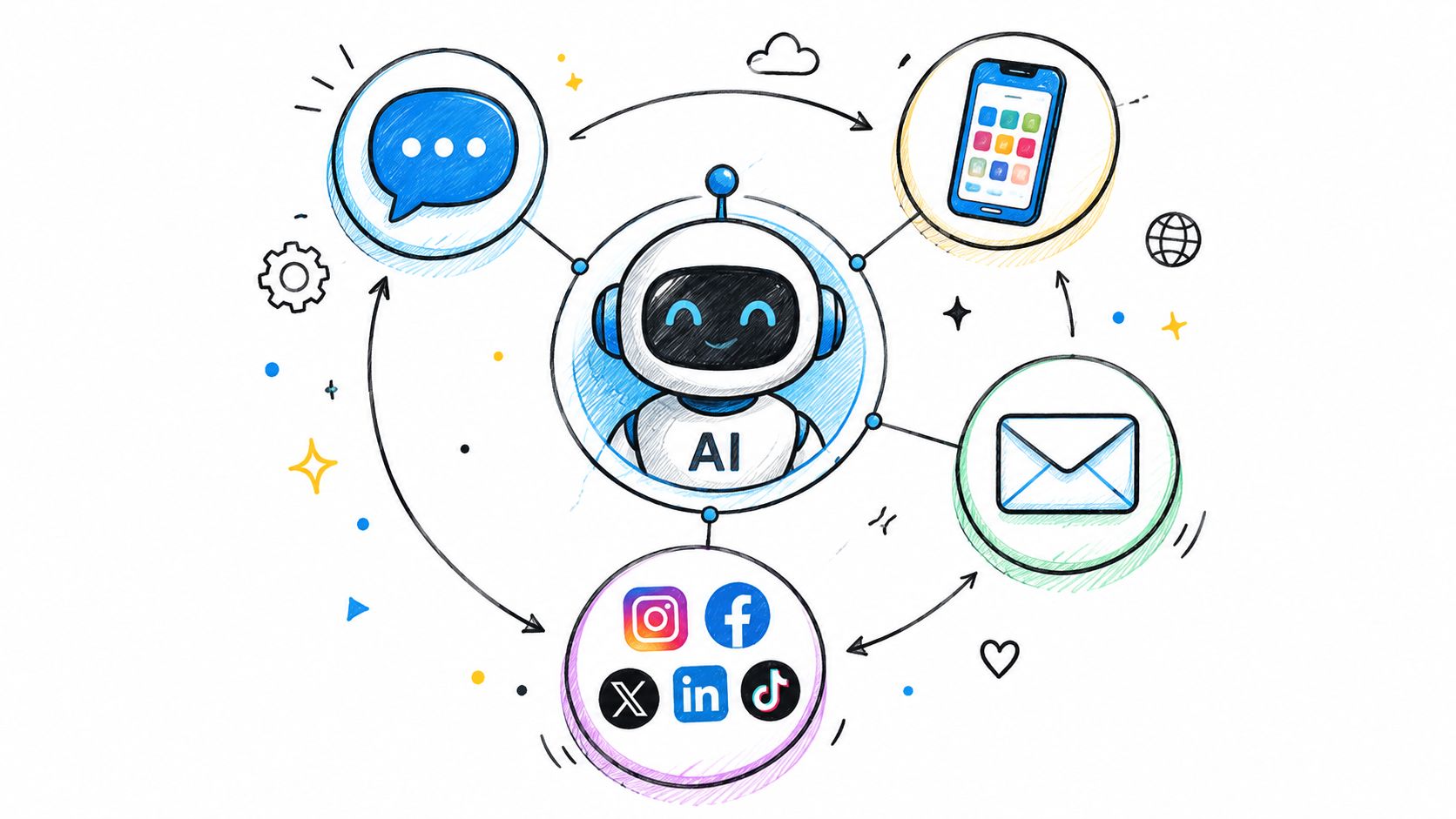
The core design decision is to separate conversation state from channel presentation. The email agent may produce a structured reply, the Slack agent may summarize a thread, and the voice agent may speak a concise answer, but all should reference the same case state, customer permissions, relevant evidence, and action history.
Connect answers to controlled actions
An agent becomes operationally useful when it can do more than generate text. Typical actions include looking up an order, booking a meeting, capturing a lead, searching an approved web source, updating a ticket, or triggering escalation. Every action needs a contract that defines inputs, authentication, validation, allowed side effects, and the result returned to the agent.
Don't expose one broad “do anything” tool when several narrow actions will work. A typed action such as lookup_order is easier to permission, test, audit, and disable than a generic endpoint that accepts arbitrary instructions. Read actions and write actions should also have different approval requirements.
Email and voice create special pressure. Email replies may be sent without a live reviewer, while voice interactions require fast responses and graceful recovery when speech recognition or a backend tool fails. The agent should state what it knows, avoid claiming that an action succeeded until the system confirms it, and preserve the full transcript and action record for handoff.
The most effective escalation is a workflow, not a sentence saying “a human will help.” The shared inbox should carry the conversation summary, verified customer details, sources consulted, actions attempted, unresolved questions, and urgency signals. A specialist can then take control without asking the customer to reconstruct the case.
Use AI knowledge base design guidance to keep retrieval and handoff connected to the same source of truth. The goal isn't to automate every interaction. It's to make every channel follow the same controlled path from evidence, to action, to escalation.
Security Governance and Identity Management
Many deployment plans treat an agent as a software integration with a prompt attached. That model breaks down when the agent can act across customer records, email, Slack, voice systems, and internal tools. An agent is a non-human identity with its own access pattern, activity history, and lifecycle. It needs governance comparable to a service account, but with additional controls for probabilistic behavior and tool selection.
Neutral security research found that only 23% of organizations had a formal enterprise-wide strategy for AI agent identity management, while 21% maintained a real-time registry of active agents. The same research found that 82% had discovered agents operating in their environments that weren't in any registry. Those figures describe an inventory problem before they describe a model problem.
Establish identity before capability
Create a record for every deployed agent before granting access. The record should include its owner, business purpose, channels, approved tools, data domains, environment, model configuration, escalation group, and expiration or review date. Assign a distinct non-human identity rather than borrowing a developer's or support agent's credentials.
Provisioning should be explicit. A change request should identify the requested capability, the data it requires, and the responsible owner. Deprovisioning must be equally deliberate, including disabling tokens, removing channel access, revoking tool permissions, and preserving audit records.
The research also found that 44% of organizations manage agents across two to three platforms, while 43% manage them across four or more platforms. That spread makes a central registry and consistent policy enforcement essential. A local inventory in one automation platform won't reveal an agent created in a CRM, collaboration tool, or cloud environment.
Put hard controls outside the prompt
Use role-based access control so an agent can act only within the permissions of the invoking user or its narrowly defined service role. Apply least privilege to every tool, restrict data by purpose, and require approval for sensitive write actions. For implementation teams, this role-based access control guide provides a useful reference point for structuring permissions around real operational roles.
Encryption, residency, deletion, and export requirements should be defined before launch. AgentStack documents AES-256-GCM encryption for data in transit and at rest, alongside GDPR features for data residency, deletion, and export. Those capabilities are controls to evaluate, not substitutes for a complete identity policy.
Prompts shouldn't be the primary security boundary. Use deterministic permission checks, isolated execution where needed, restricted network access, secret managers, short-lived tokens, and exportable audit logs. Teams building coding or tool-using agents can also consult guidance on practical AI coding guardrails, especially where generated output can reach repositories or execution environments.
Monitoring Orchestration and Agent Health
A support dashboard that shows only first-response time and final task success hides the most important failures in a multi-agent system. An agent may produce a correct-looking answer after choosing the wrong specialist, retrying a tool unnecessarily, or recovering from a failure in a way that consumes excessive time and cost.
Production measurement needs two layers. Outcome metrics describe what the customer received. Orchestration metrics explain how the system got there.
Separate answer quality from control-plane quality
Benchmark work on multi-agent systems proposes tracking routing accuracy, recovery rates by failure mode, cascade radius, time-to-detection, recovery completeness, and decomposition delegation fidelity. It also records latency, cost, and orchestration efficiency so teams can distinguish model quality from control-plane quality. The orchestration benchmark research is useful because it treats routing and recovery as measurable engineering behavior rather than invisible implementation details.
| Measurement layer | What to inspect | Why it matters |
|---|---|---|
| Customer outcome | Resolution, escalation, sentiment, unanswered questions | Shows whether support improved |
| Routing | Specialist selection and delegation fidelity | Reveals misclassification |
| Recovery | Failure-mode recovery and completeness | Shows whether the system returns to a safe state |
| System health | Latency, cost, tool success, context use | Guides operational tuning |
Set explicit budgets for steps, elapsed time, total tokens, and tool-call count. Log every tool call with its input, output, latency, and success status. This operational guidance is detailed in AI agent tool-use best practices, which connects those records to tool-call success rate, escalation rate, latency per step, cost per task, and context utilization.
Use failures as configuration evidence
A rising unanswered-question trend may indicate missing documentation, not a weak model. Repeated escalation after a particular API action may indicate an integration contract problem. A large cascade radius may show that one failed specialist is propagating uncertainty through the rest of the workflow.
Review these signals with support, knowledge, engineering, and security owners together. A model team can't fix a missing refund permission, and a documentation team can't repair a broken action schema. Multi-agent orchestration practices can help teams structure these responsibilities around the actual control plane.
Navigating Common Deployment Pitfalls
The first serious failure usually doesn't look like a dramatic hallucination. It looks like an agent confidently using yesterday's policy, asking for information it already received in another channel, or retrying a failed action until the ticket becomes harder to resolve.
One common pattern starts with fragmented data. The website contains the current policy, a PDF contains an older exception, and a private workspace contains the operational procedure. The agent retrieves a plausible passage, but not the authoritative one. The fix isn't automatically a larger model. It is source ownership, conflict handling, effective-date metadata, and retrieval tests that reflect real customer questions.
Where deployments usually break
Integration friction creates a second class of failures. An agent can identify the right action but lack a usable authentication path, receive an undocumented response shape, or encounter an API timeout with no safe retry policy. Engineers should test each action independently, then test the full workflow with partial failures, revoked access, missing fields, duplicate requests, and delayed responses.
Organizational change creates another trap. A support team changes its escalation policy, product launches a new plan, or a compliance group narrows the approved response. If the knowledge layer and workflow configuration don't change with the organization, the agent continues following an obsolete process.
Poor handoffs amplify all of these problems. A generic escalation event transfers the conversation but not the reasoning, evidence, or attempted actions. The human then repeats discovery, the customer loses confidence, and the organization can't tell whether the agent failed because of knowledge, policy, or tooling.
Safe failure beats confident completion. If the agent can't verify the source, execute the action, or explain the next step, it should stop, preserve context, and route the case.
Design for reversibility
Every material action should have a defined rollback or compensation path. If an automated update can't be reversed, require approval before execution. If a write operation partially completes, record the state and create a visible task rather than retrying without notice.
Use feature flags or scoped rollouts to disable a tool, route a category to humans, or replace a model without taking every channel offline. Keep audit records separate from mutable conversation state so an operator can reconstruct what happened after a configuration change.
A deployment is auditable when the team can answer who initiated the interaction, which identity acted, what evidence was retrieved, which tools ran, what failed, and why the case was escalated. It is reversible when the team can stop the risky path without destroying the customer record.
The Production Readiness Checklist
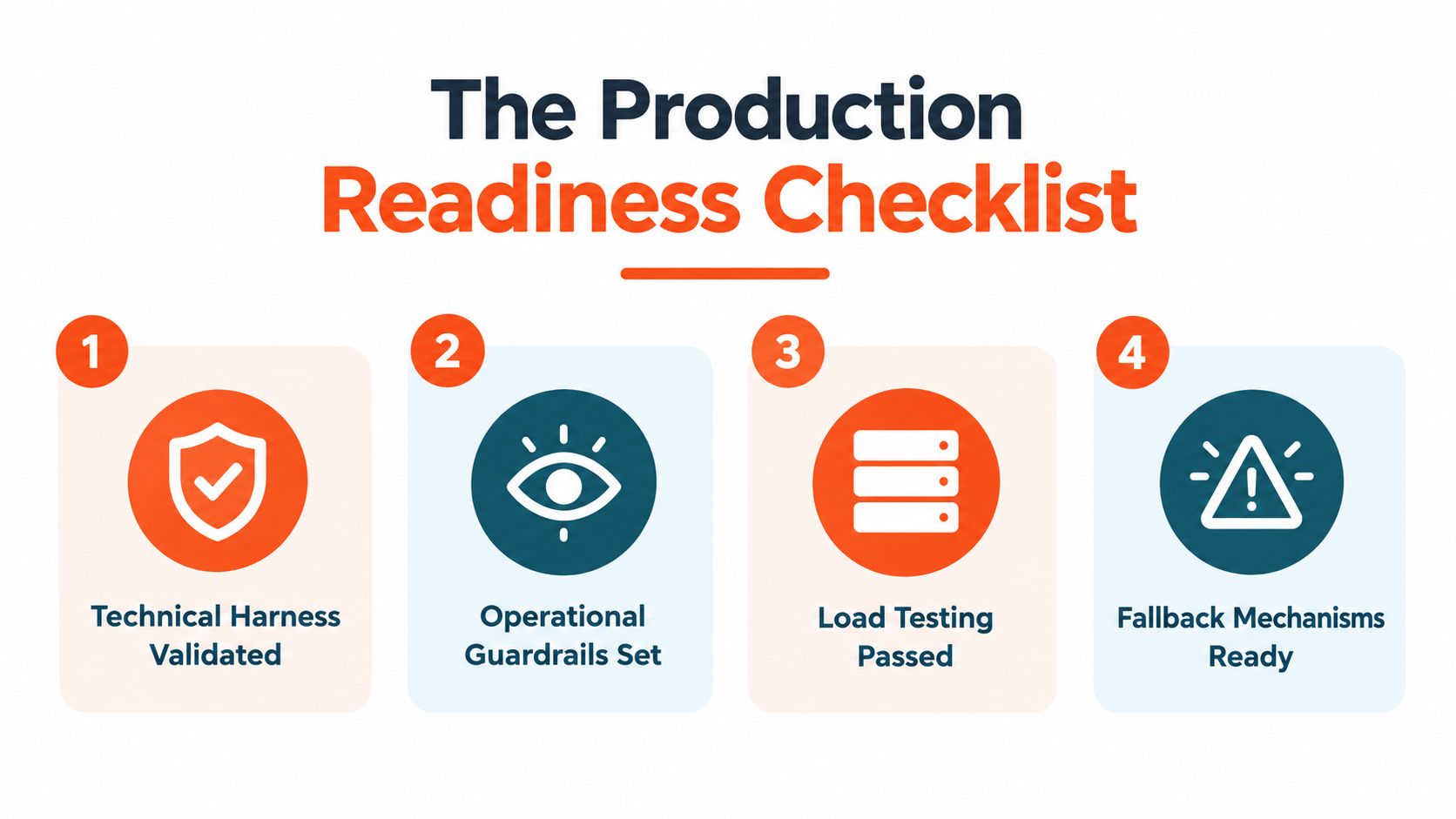
Production readiness isn't a final model review. It's a controlled release decision covering data, identity, integrations, monitoring, and people. Use the following sequence before expanding beyond a limited workflow.
-
Audit the knowledge sources. Identify owners, remove obsolete material, define source priority, preserve permissions, and test retrieval with real support questions. Include negative tests where the correct response is to say that the available evidence isn't sufficient.
-
Map every action. Document each API, search function, booking flow, lead capture step, and escalation trigger. Define inputs, output validation, permissions, retries, timeouts, side effects, and rollback behavior.
-
Register the agent identity. Record the owner, purpose, channels, tools, data scope, model configuration, and review date. Verify that the agent uses a dedicated identity and that unused access is removed.
-
Set operational guardrails. Enforce budgets for steps, elapsed time, tokens, and tool calls. Add deterministic permission checks, approval gates for sensitive writes, and clear human escalation conditions.
-
Test the channels separately and together. Validate website chat, email, Slack, and voice behavior, then test a customer journey that moves between channels. Confirm that the shared case state carries evidence, actions, and unresolved questions forward.
-
Establish a baseline. Track outcome measures such as resolution and escalation, alongside routing accuracy, recovery completeness, tool success, latency, cost, and context use. Without a baseline, a later change can appear successful while moving the failure elsewhere.
-
Run failure drills. Revoke a permission, make a source unavailable, return malformed tool data, create conflicting documentation, and force a handoff. Confirm that the agent stops safely and that the human receives enough context to act.
-
Assign operational ownership. Name the people responsible for knowledge updates, identity reviews, integration health, incident response, and weekly conversation analysis. An unattended agent will drift even if its original configuration was sound.
Start with one workflow where the data is governed, the action surface is narrow, and a human can recover the case. Expand only after the logs show that routing, recovery, identity, and handoff behave as designed. That approach gives support leaders a measurable path from chatbot replacement to dependable orchestration.
AgentStack provides website and document ingestion, multi-model routing, web, email, Slack, and voice delivery, shared-inbox handoffs, custom actions, analytics, REST API access, and an MCP server for extensibility. Visit AgentStack to evaluate whether its deployment and governance capabilities fit your support workflow.