Your inbox used to clear by lunch. Now tickets arrive overnight from three time zones, someone is asking about an invoice in chat while another customer replies to a week old email thread, and leadership wants to know why a tool you bought for a small monthly fee now costs several times that. That gap between the advertised price and the final bill, driven by seats, AI outcomes, ticket volume, and add-ons, is where most support software decisions go wrong.
Customers have moved faster than most queues. In 2024, 61% of customers said they preferred contacting brands through digital channels, up from 45% in 2023, according to Nextiva's customer service statistics. The best customer support software for your team is not the longest feature list. It's the platform that matches your channels, team size, and billing model without forcing you to rebuild how agents already work.
The ten platforms below are judged the same way. I'll name who each one fits, what drives its cost, and what implementation demands, then close with a comparison marker and a practical selection checklist. If you're also reviewing how you buy, a CIO's guide to smarter technology sourcing is a useful companion on procurement discipline.
Table of Contents
- 1. AgentStack
- 2. Zendesk
- 3. Intercom
- 4. Freshdesk
- 5. Help Scout
- 6. Gorgias
- 7. Salesforce Service Cloud
- 8. HubSpot Service Hub
- 9. Zoho Desk
- 10. Front
- Customer Support Software Compared
- Match the Platform to Your Team, Then Test It on Real Tickets
1. AgentStack
A team with a coding agent can set up AgentStack by pointing Claude Code, Codex, or Cursor at agentstack.build/agent.md. The coding agent then configures the support agent. This setup suits teams comfortable working with developer tools; teams without them may prefer a more conventional setup process.
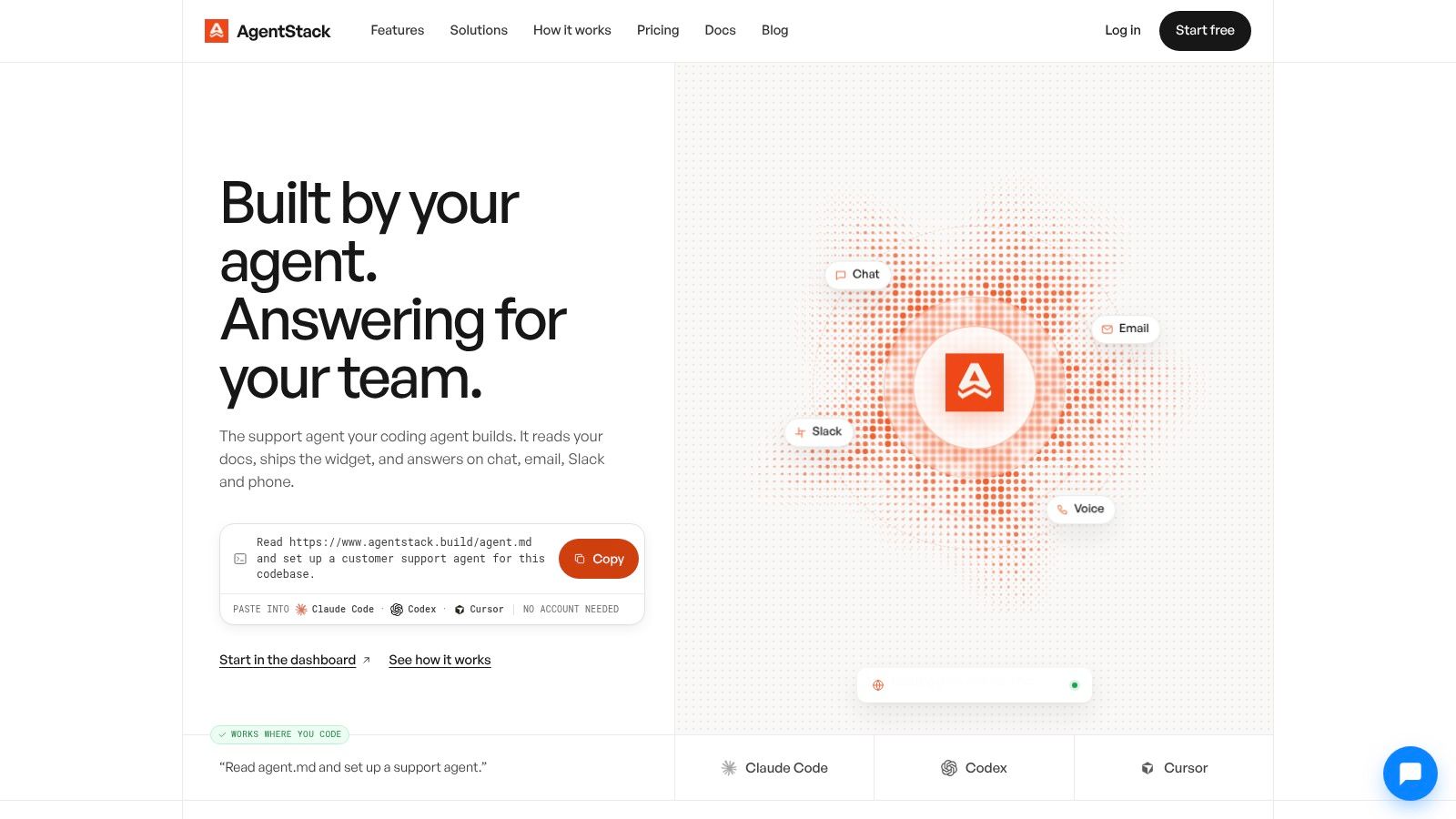
AgentStack lets teams build, train, and deploy AI support agents in minutes. One trained agent can answer on a website, by email, in Slack, and on the phone. It draws on the business's own knowledge, takes approved actions when needed, and hands difficult conversations to the team. Its model orchestration can route between frontier models such as GPT-5.2, Claude, and Gemini, and faster models such as Grok and Haiku.
Where It Fits and What to Watch
Escalation quality matters more than raw containment. PwC's 2025 Customer Experience Survey found 86% of consumers consider human interaction moderately or very important, while only 49% are likely to use AI for order or delivery tracking. Evaluate whether the agent hands off uncertain or difficult conversations with enough context for a person to take over.
AgentStack offers custom API actions, meeting booking, lead capture, and escalation to a human. Its analytics cover conversation outcomes, sentiment, and unanswered questions, which can help teams spot gaps in their support content. The product also includes a REST API and MCP server for developer integrations, alongside security controls such as AES-256-GCM encryption, role-based access, audit logs, and GDPR export and deletion features.
Standard costs $100 per month billed monthly and includes 10,000 messages per month. Pro costs $400 per month billed monthly and includes 40,000 messages per month. Credits apply across all agents and channels in the organization, at about $0.02 per credit. Teams should account for message volume and credit use as well as plan limits; the two plans also differ in agent, member, action, and training-content allowances. Custom domain and white-label options are available as add-ons, with pricing not specified here.
2. Zendesk
Zendesk suits teams with structured, high-volume support and clearly defined queues. It combines ticketing, an agent workspace, messaging, and omnichannel routing, with configuration for priorities and service processes. Teams that already manage support through ticket fields, triggers, and views will find a familiar operating model.
A Freshdesk customer happiness benchmark covering approximately 7,000 companies found 71% of support tickets were resolved with a single response and 86% within the applicable service level agreement. Use those measures to assess Zendesk against your own tickets: ask for one-touch resolution, SLA attainment by priority, and reopen rate, rather than relying on total closures.
Costs and Fit
Zendesk prices its plans per agent, with higher tiers adding capabilities and AI or add-on charges that can increase the bill. Check Zendesk's current rates and model seats, automation, and add-ons separately. For a clearer comparison of queue structure and ticketing models, see this guide to how support ticketing systems differ.
The breadth comes with administrative work. Someone needs to own workflows, permissions, and reporting to keep the instance aligned with how the team operates. Zendesk fits growing or large teams with established processes; it is a poor fit for a five-person team that needs to launch quickly and has no one to administer the system.
3. Intercom
Intercom fits teams whose customers ask for help inside a product or on a website. Its shared inbox, ticketing, live chat, help center, and in-app messaging bring support and product communication together. That setup is less useful if most conversations arrive by email or phone.
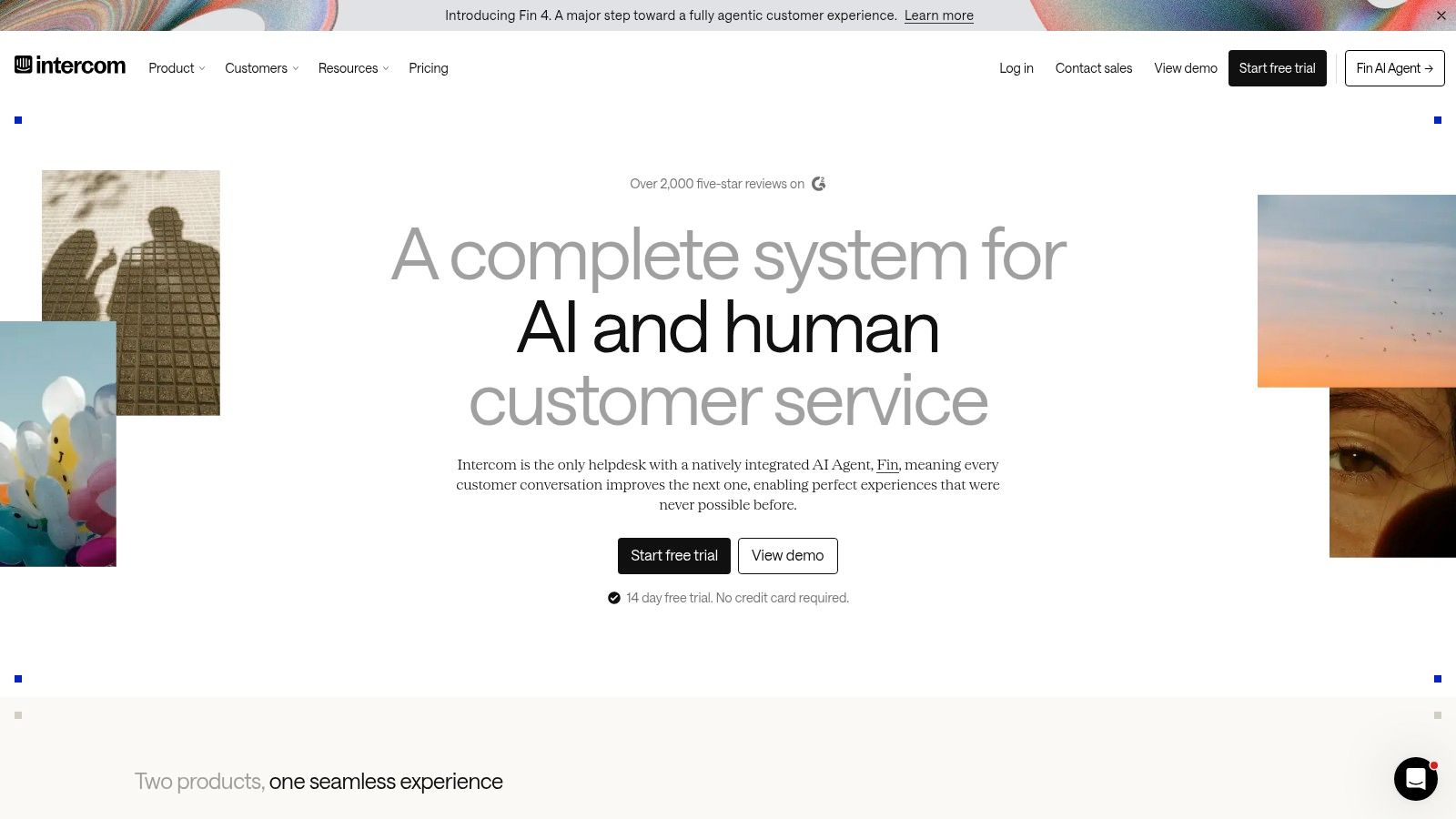
Fin handles customer conversations, while Copilot tools help human agents draft replies and find information. Fin can also work with some external help desks, so teams can add AI without replacing their existing support system. The trade-off is integration work: the agent needs access to the information required to answer accurately.
Practical rule: Check whether the AI agent can reach the account, billing, and product data needed to answer your most common questions.
Before committing, map the systems Fin needs to consult and test it against real customer questions. Intercom's 2025 customer service transformation report found that only 19% of customer service teams reported that their current tools always fully support their needs.
Intercom bills per seat, with additional per-outcome AI charges and possible channel usage fees. Budget for both seats and AI outcomes, and estimate expected usage before choosing a plan. Intercom is a strong fit for product-led teams focused on chat and in-app support. Teams centered on email and phone may pay for capabilities they use less.
4. Freshdesk
Freshdesk suits teams that want familiar help desk fundamentals without an enterprise rollout. You get ticketing, a shared inbox, a customer portal, and a knowledge base, plus analytics, roles, and permissions. It's a sensible step up from a shared Gmail inbox when you need assignment, priorities, and reporting but not deep customization.
Higher tiers add capabilities such as intelligent routing and custom reporting, and Freddy AI features appear in paid plans. The path from email focused support toward broader service is clear. What you must check is the product boundary, because Freshdesk and Freshdesk Omni are not the same offer when you're comparing channel coverage.
- Best use: Small to mid sized teams standardizing email ticketing and self service.
- Watch item: Some AI sessions and tools carry usage fees or add on costs beyond the seat price.
- Decision test: Confirm which channels your plan covers before you migrate macros and automations.
Annual pricing is listed at $19 per agent per month for Growth, $55 for Pro, and $89 for Enterprise. Publishing core tier prices makes budgeting easier than quote only vendors. I recommend Freshdesk when you want a classic help desk your team can learn quickly. If you need heavy omnichannel coverage on day one, compare the Omni offering directly instead of assuming the base product includes it.
5. Help Scout
Help Scout suits teams that want a shared inbox without the overhead of a complex service operations platform. Its email-like interface includes saved replies, conversation assignment, and simple workflows. Smaller teams can get started without building an elaborate ticketing process.
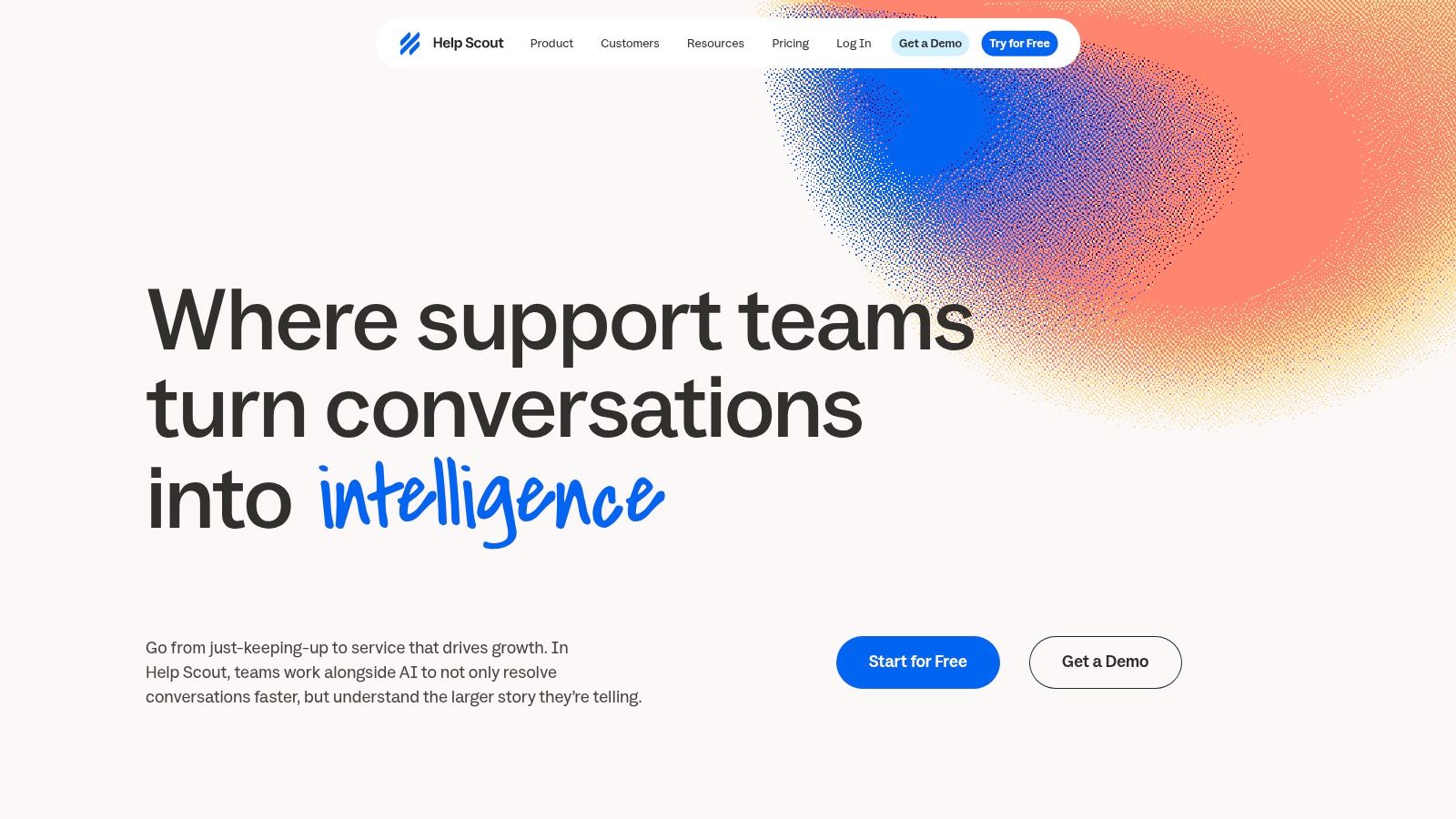
The inbox works alongside knowledge base sites and an embeddable support hub, giving customers a place to look for answers before contacting support. AI drafting, editing, and conversation summaries help agents handle replies; Envoy, Help Scout's customer-facing assistant, is available for automated resolutions at an additional per-resolution charge.
Speed still affects satisfaction. ServiceNow's customer service statistics reports that 63% of consumers expect the greatest improvement in response time. Help Scout's straightforward inbox can suit teams that prioritize quick, personal replies, but it still depends on agents keeping conversations organized.
Help Scout offers a free plan, with paid plans priced per user per month and billed annually. Check the current Help Scout pricing for tier details before budgeting. Its collaboration and reporting fit smaller support operations; teams with intricate routing across brands, skills, and SLAs should test those rules before committing.
6. Gorgias
During a sale, an ecommerce support agent may need to check an order, confirm its shipping status, or process a refund while replying to a customer. Gorgias is built for that workflow, bringing conversations from multiple channels into a central inbox with store and order context alongside the message.
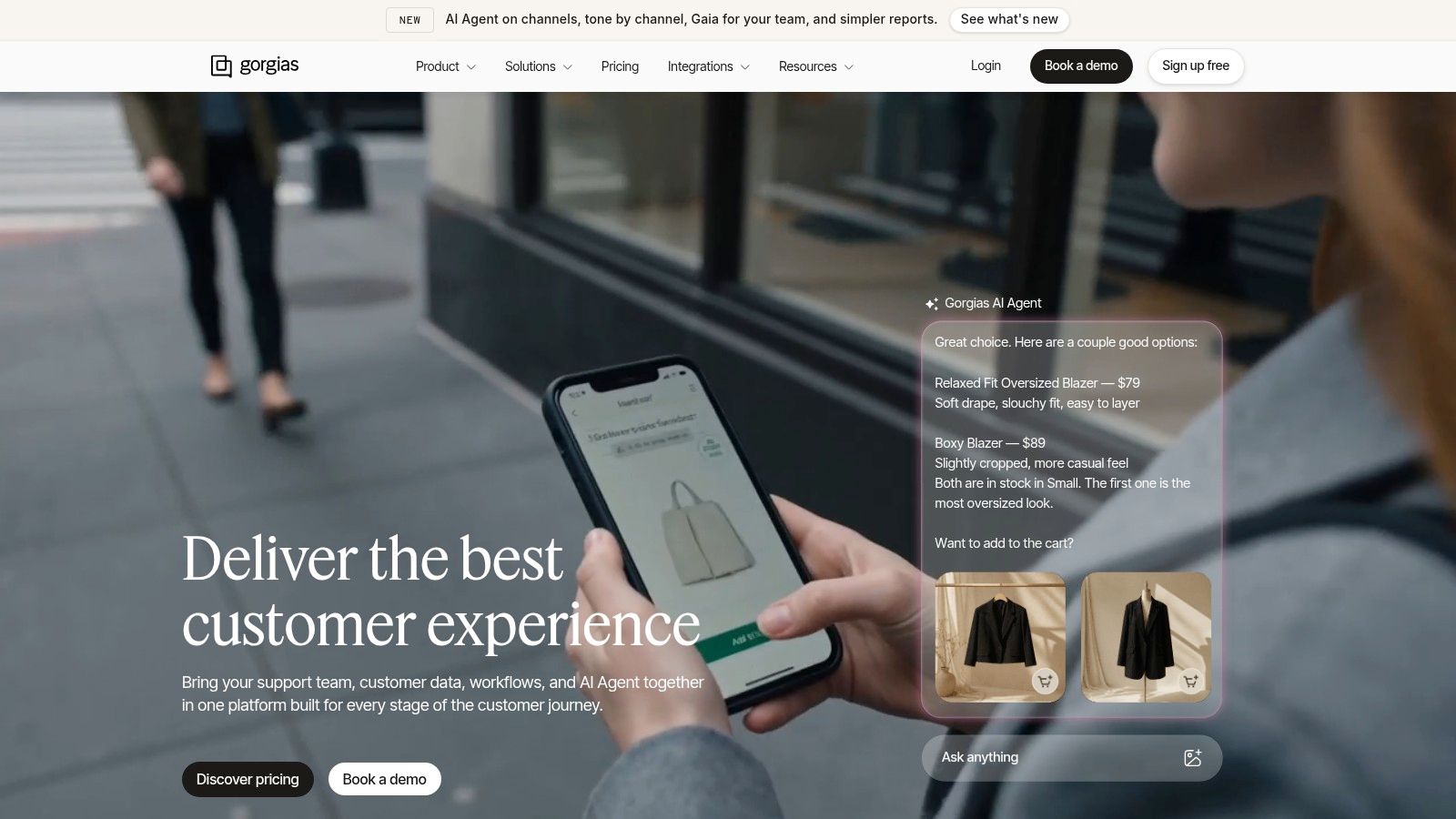
That focus suits ecommerce teams whose support work centers on purchases and deliveries. AI tools can handle some routine pre-purchase and delivery questions, while agents manage exceptions with order details in view. The trade-off is specialization: teams handling technical product issues or engineering escalations may need a platform built for broader case management.
Pricing Model to Model Carefully
Plans scale with monthly ticket volume, and AI Agent usage is billed separately for successfully automated interactions. Ticket-based billing can suit stores with seasonal staffing because costs are tied to support volume rather than idle seats. It can also raise costs during peak periods, so forecast busy months as well as average ones.
Choose Gorgias when order context drives most customer conversations. For SaaS support that depends on developer tooling or technical case workflows, a general-purpose platform is likely a better fit.
7. Salesforce Service Cloud
Salesforce Service Cloud makes sense when support cannot be separated from the account record. Cases, queues, assignment, and escalation rules sit on the same CRM data your sales and success teams already use. For large or process heavy organizations, that shared record prevents the classic problem where support promises something sales never sees.
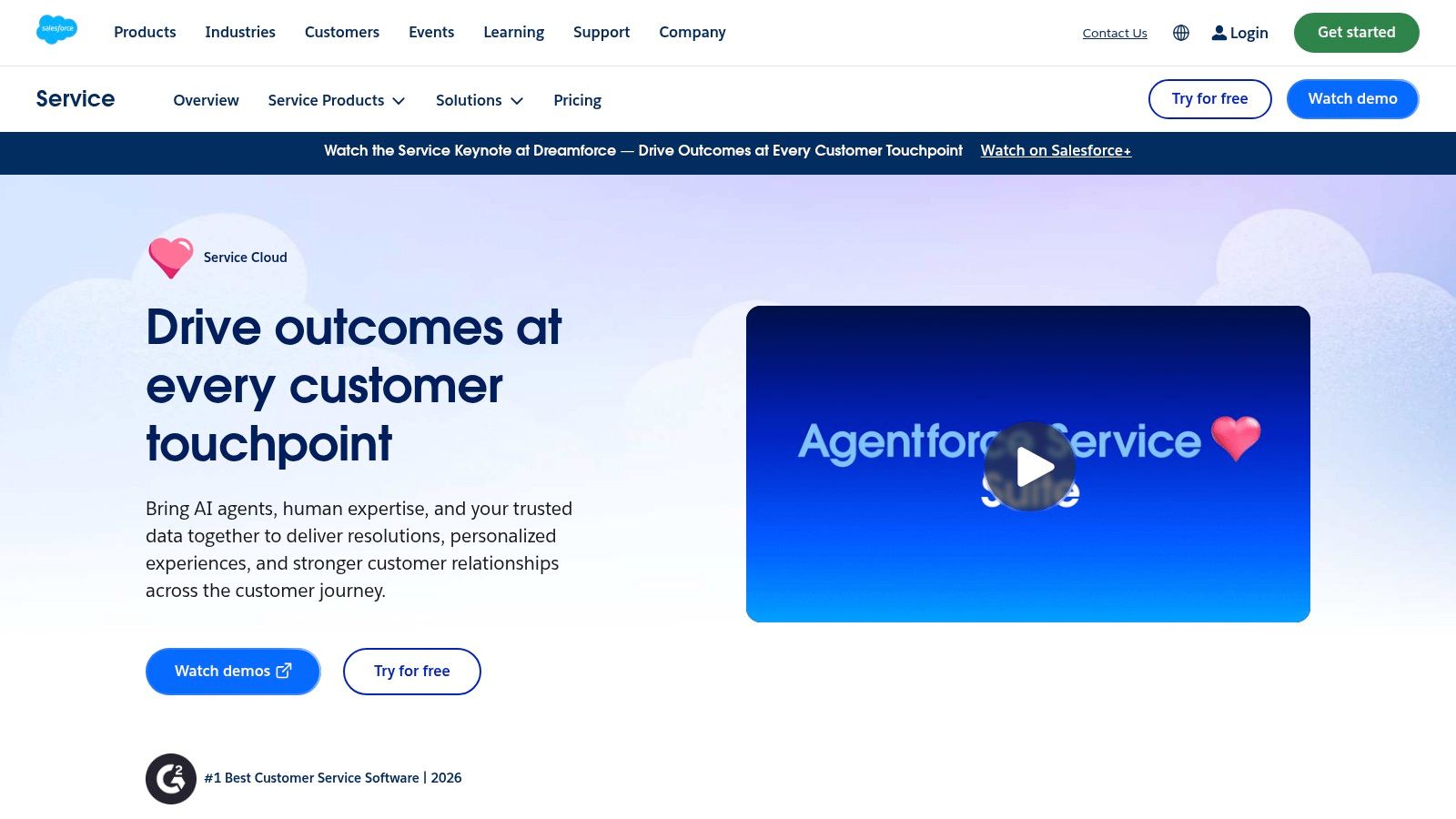
The platform includes a service console, omnichannel routing, and knowledge management, with AI and Agentforce options that vary by edition. Multiple editions and add ons let you expand, but each expansion adds configuration decisions. Somebody with Salesforce admin skill needs to own objects, permissions, flows, and reporting, or delivery slows down.
The cheapest edition you can buy is rarely the edition your routing, AI, and reporting requirements will actually need.
Listed editions range from $25 to $550 per user per month, and AI and other service capabilities vary by edition and may be sold separately. That spread tells you to price the exact edition, not the entry number. Implementation and administration overhead are real costs alongside licenses.
I recommend Service Cloud for enterprises already committed to Salesforce with complex routing and compliance needs. I don't recommend it as a first help desk for a small team. You'll spend your first quarter configuring the platform instead of answering customers.
8. HubSpot Service Hub
If your company already runs sales and marketing in HubSpot, HubSpot Service Hub keeps support next to that history. Agents see CRM context alongside tickets, so they know the company, the deal stage, and recent touches before they reply. That continuity is the product's strongest selling point, and it's a legitimate one.
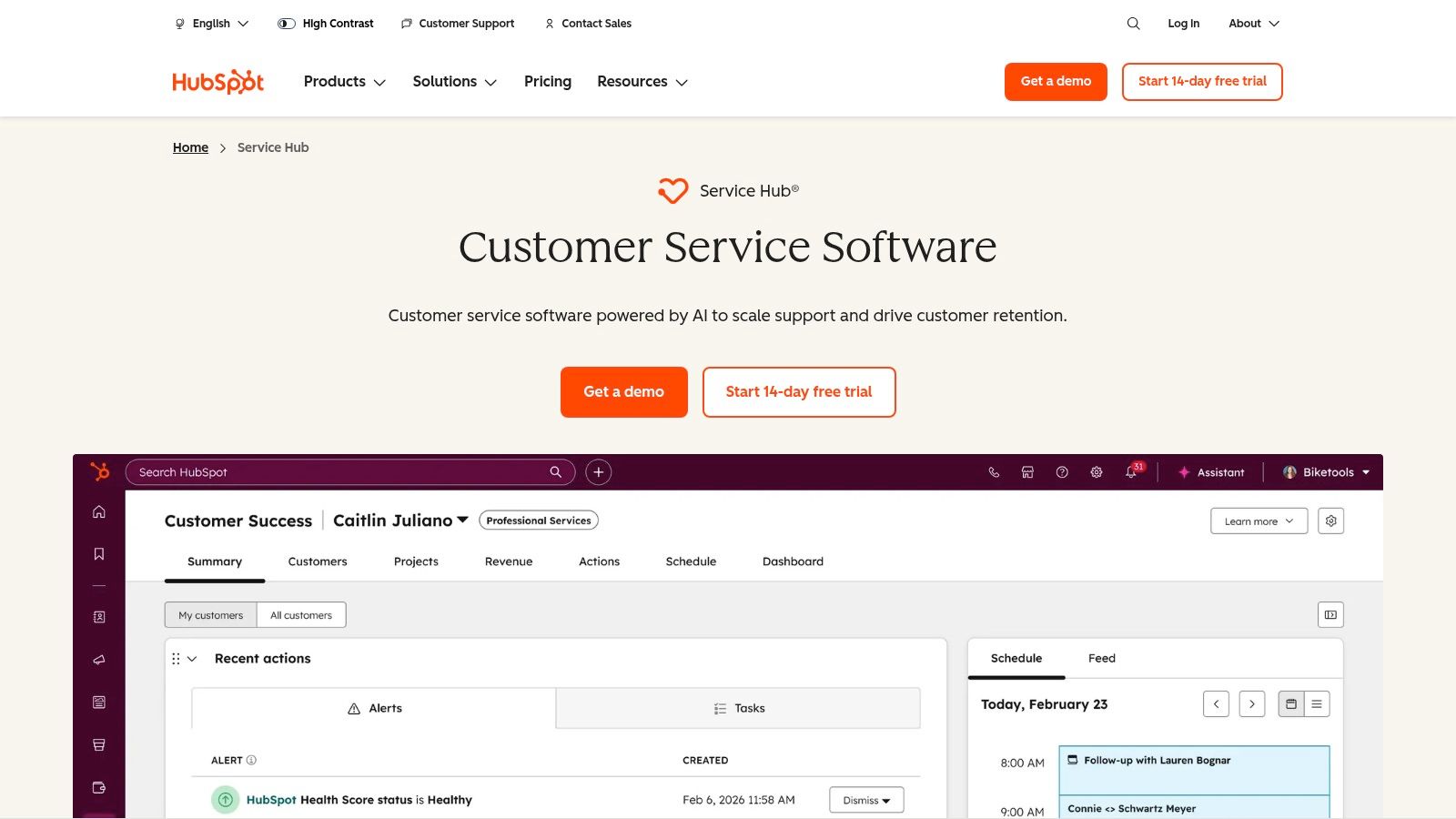
The workspace covers a help desk and ticketing, while higher tiers add a knowledge base, customer portal, and feedback tools, plus AI customer agent capabilities. Teams can start with basic service tools and grow into more advanced workflows inside the same customer platform. If you're evaluating that model, reading about using a CRM for customer service clarifies where shared records help and where they create clutter.
Costs vary substantially by tier, so verify the live quote and included credits. The pricing guide lists Professional starting at $90 per seat per month billed annually, with a $1,500 onboarding fee. Higher tier features and AI usage can raise the total well beyond the first quote.
Pick Service Hub when HubSpot is already your system of record and cross team visibility matters. If you don't use, or don't want, the wider HubSpot platform, you're paying for an ecosystem you won't use. A standalone help desk will usually be simpler and cheaper in that case.
9. Zoho Desk
A small support team replacing a shared mailbox may find Zoho Desk covers the basics without requiring a large platform commitment. It offers ticketing, workflow automation, self-service, and channels including email, social, web forms, and business messaging. Zoho Desk is a stronger fit when the team already uses Zoho apps; outside that ecosystem, its integrations are less of a differentiator.
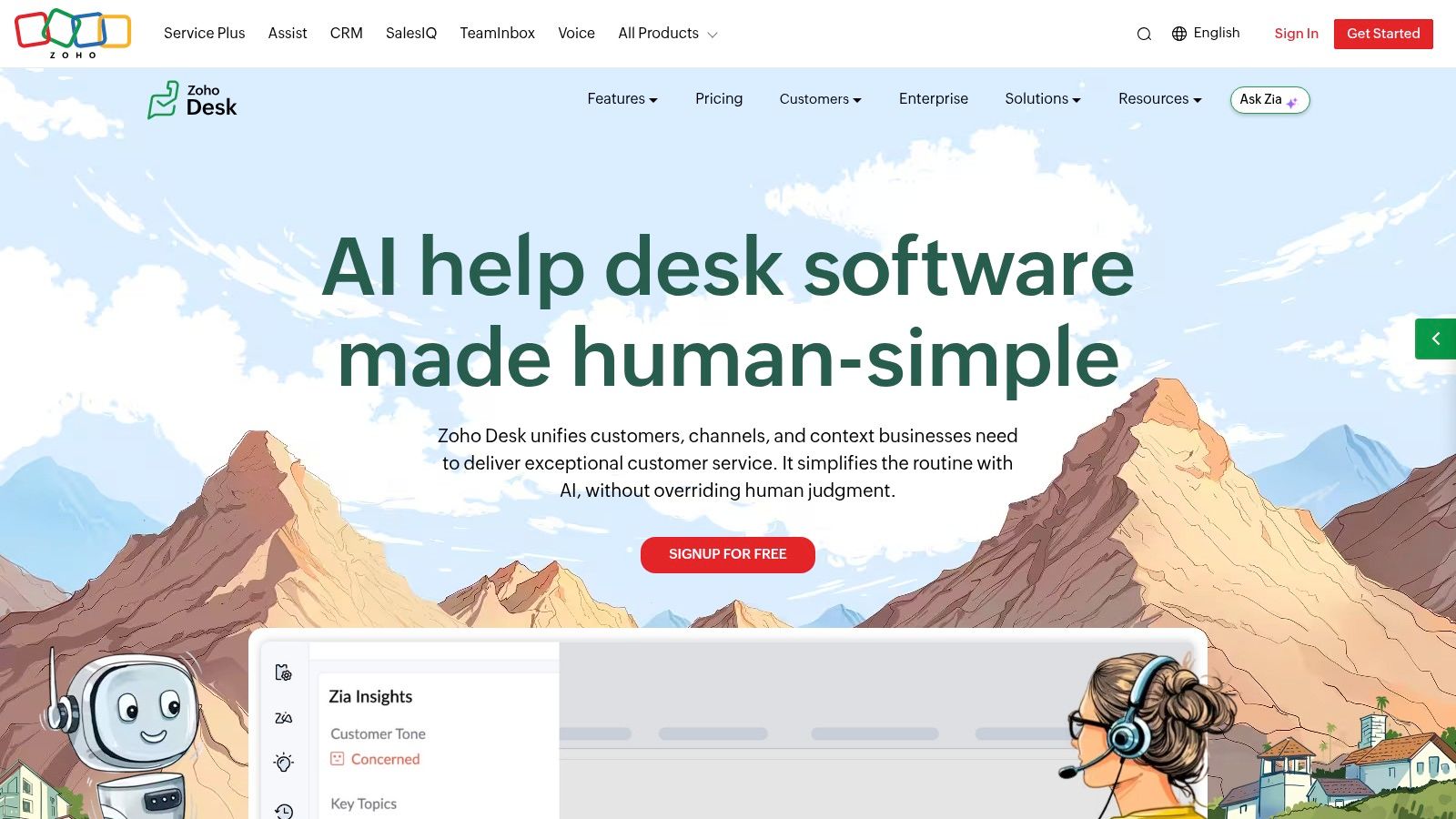
Workflows, ticket assignment, and escalation rules cover routine routing. Enterprise adds multi-brand help centers and skill-based assignment, which may suit larger teams with more complex queues. The trade-off is tier complexity: features differ by plan, so check which capabilities your workflows require before choosing.
Zoho Desk offers a free edition for small teams and paid per-user tiers with a free trial. Confirm current rates on Zoho's pricing page before budgeting.
AI capabilities may require a separate integration or additional setup, depending on plan and configuration. Confirm what is available in the trial environment rather than assuming AI is included. Zoho Desk suits cost-conscious teams that want configurable ticket workflows, especially existing Zoho users; teams seeking AI automation with minimal setup should compare the implementation effort carefully.
10. Front
When several teams handle customer email, shared visibility can matter more than a strict ticket workflow. Front gives teams a collaborative inbox for assigning ownership, adding internal comments, and replying without forwarding threads. It adds ticketing, automation rules, macros, and analytics. For a closer look at how inbox-first tools differ, see this comparison of shared inbox software.
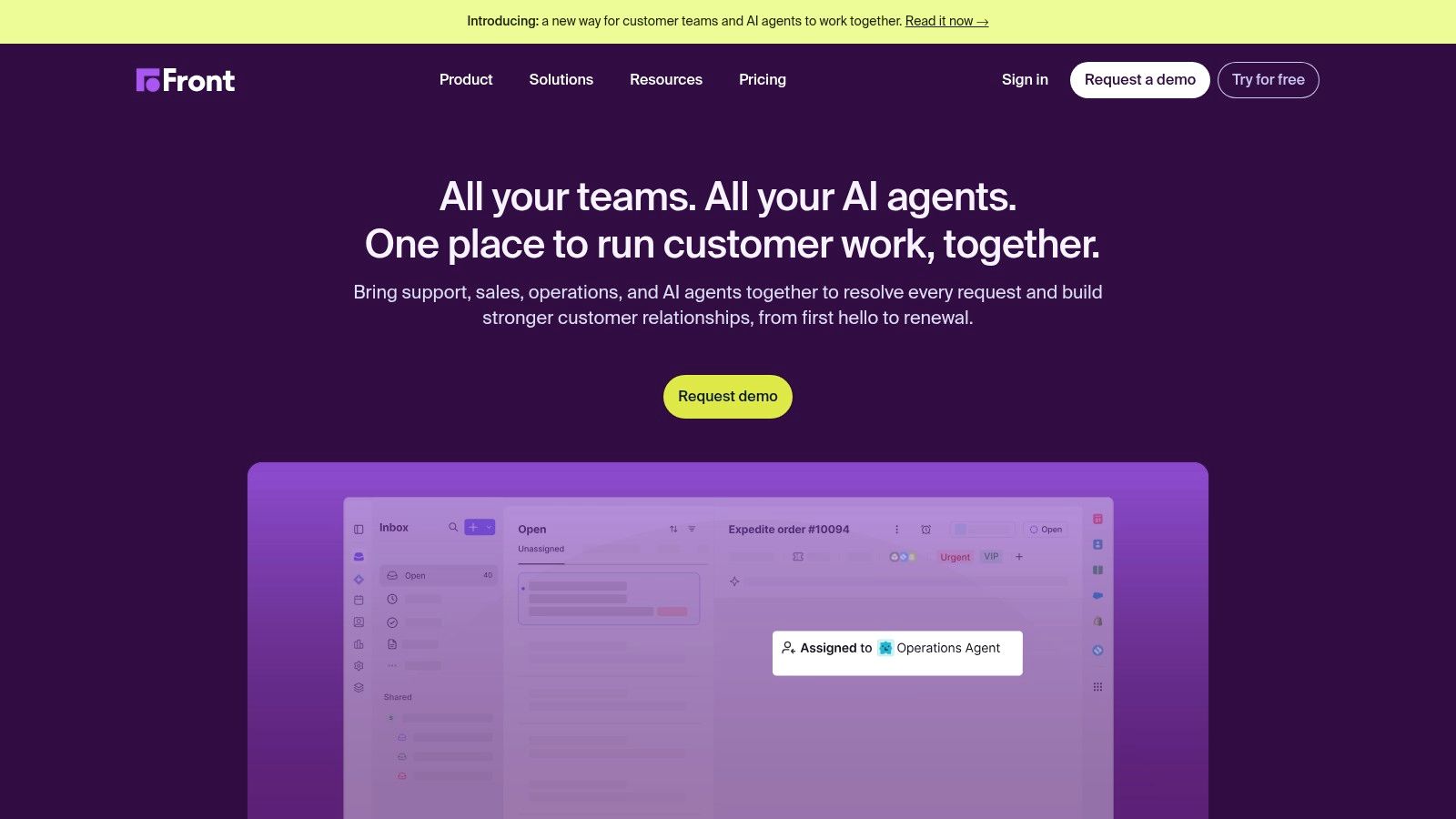
Front prices plans per seat. Higher tiers offer broader channel coverage and advanced analytics, while AI tools such as Copilot, Smart QA, and Autopilot may require higher-tier access or add-on fees. Check which channels and AI features your team needs before comparing total costs.
Front suits teams coordinating replies across shared addresses, especially when collaboration and visibility are the main priorities. It may be a weaker fit for teams that need strict ticket fields, stages, and lifecycle controls. A traditional help desk is often a better match for those structured workflows.
Customer Support Software Compared
Use the table to compare fit and cost structure, then check each vendor's pricing page for the plan details that matter to your team. AgentStack's listed plans start at $100 per month for Standard and $400 per month for Pro; credits apply across agents and channels at about $0.02 each.
| Item | Starting Price | Free Option | Best For | AI Cost Model |
|---|---|---|---|---|
| AgentStack | Standard: $100/month, billed monthly; Pro: $400/month, billed monthly | Free Version available | Teams deploying AI support across web, email, Slack, and voice | Credits apply across agents and channels; one credit is about $0.02 |
| Zendesk | $19/agent/month, billed annually | Free trial | Teams with complex support queues | AI resolution fees and add-ons may cost extra |
| Intercom | $29/seat/month, billed annually | Free trial | Teams focused on in-app and website support | Fin costs $0.99 per outcome; channel fees may apply |
| Freshdesk | $19/agent/month, billed annually | Free plan | Teams seeking help-desk and self-service tools | Some AI sessions and tools cost extra |
| Help Scout | Free plan; paid plans from $25/user/month, billed annually | Yes | Small and mid-sized human-led support teams | Envoy charged separately per resolution |
| Gorgias | Plans priced by ticket volume | Free trial | Ecommerce customer-support teams | Separately billed for successfully automated interactions |
| Salesforce Service Cloud | $25/user/month | Free trial | Large teams using Salesforce CRM | AI features may be included or sold separately, depending on edition |
| HubSpot Service Hub | $90/seat/month, billed annually | Free tools available | Teams already using HubSpot | AI features depend on plan and may use included credits |
| Zoho Desk | Free edition; paid plans from $7/user/month, billed annually | Yes, up to 3 users | Small and mid-sized teams, especially Zoho users | AI features depend on plan and configuration |
| Front | $25/seat/month, billed annually | Free trial | Teams coordinating customer communication | Autopilot starts at $0.05 per conversation; other charges may apply |
Match the Platform to Your Team, Then Test It on Real Tickets
Don't start with a vendor demo. Start with fifty real tickets from last month, including ten ugly ones that needed account access, a refund decision, or engineering input. Run those same tickets through two or three shortlisted platforms and score what happens. You'll learn more in an afternoon than in a month of feature checklists.
Wait time has commercial consequences, not just service ones. Qualtrics reported in 2025 that consumers were 2.6 times more likely to purchase more when contact center wait times were satisfactory. Score first response and resolution on your sample, and weight them heavily.
A Selection Checklist That Fits on One Page
- Channels first: List where customers contact you today, and confirm each channel is native, not a workaround, on the plan you'll buy.
- Handoff quality: Force an escalation in the trial and check whether history, customer data, and the AI's reasoning reach the human agent.
- Knowledge gaps: Ask a question your docs don't answer, then verify the tool flags it instead of inventing a confident reply.
- Total cost at your volume: Model seats plus AI outcomes, messages, tickets, and add ons at peak volume, not the entry price.
- Data and exit: Confirm export of conversations and audit logs, role based access, deletion controls, and API access before you sign.
Treat the platform as a cloud operating layer, not just a queue. Dataintelo's customer satisfaction software market report estimates cloud deployment represented approximately 71% of 2025 customer satisfaction software revenue. Verify data residency, identity integration, webhook support, and resilience commitments with the same seriousness you'd give any production system.
Scoring shortcut: If a tool can't show you deflection, escalation rate, and resolution after handoff in one export, you can't prove it's working.
Match by team profile, then commit. Lean, technical teams that want AI live quickly should weight fast setup and usage based pricing. Large, process heavy teams should weight routing depth, auditability, and CRM integration, and budget for administration. Ecommerce teams should weight order context above everything else. There's no universal winner, and any ranking that claims one is selling you something.
Run the trial, keep the old tool live during a short parallel period, and switch only when agents trust the new queue. Switching tools mid crisis, with no fallback, is how backlogs become churn. Pick the platform your team will maintain at zero, at a cost you can forecast, and you'll have chosen the right one.
If you want an AI support agent that's live across chat, email, Slack, and voice without weeks of setup forms, AgentStack builds it from your own website, documents, and Notion content and hands difficult conversations to your team with full context. Start on the free tier, run it against your real tickets from the checklist above, and see whether the answers and handoffs hold up before you pay anything.